Google Flow AI Features 2027: Create Stunning AI Videos, Cinematic Scenes & Professional Content!
Google Flow AI Features are powerful for creating professional AI-generated videos and cinematic scenes. Its tools include text-to-video generation, image-to-video animation, AI image editing, character consistency, SceneBuilder, and advanced video editing. These features help creators transform simple ideas into impressive visual stories for YouTube, social media, advertising, and educational content.
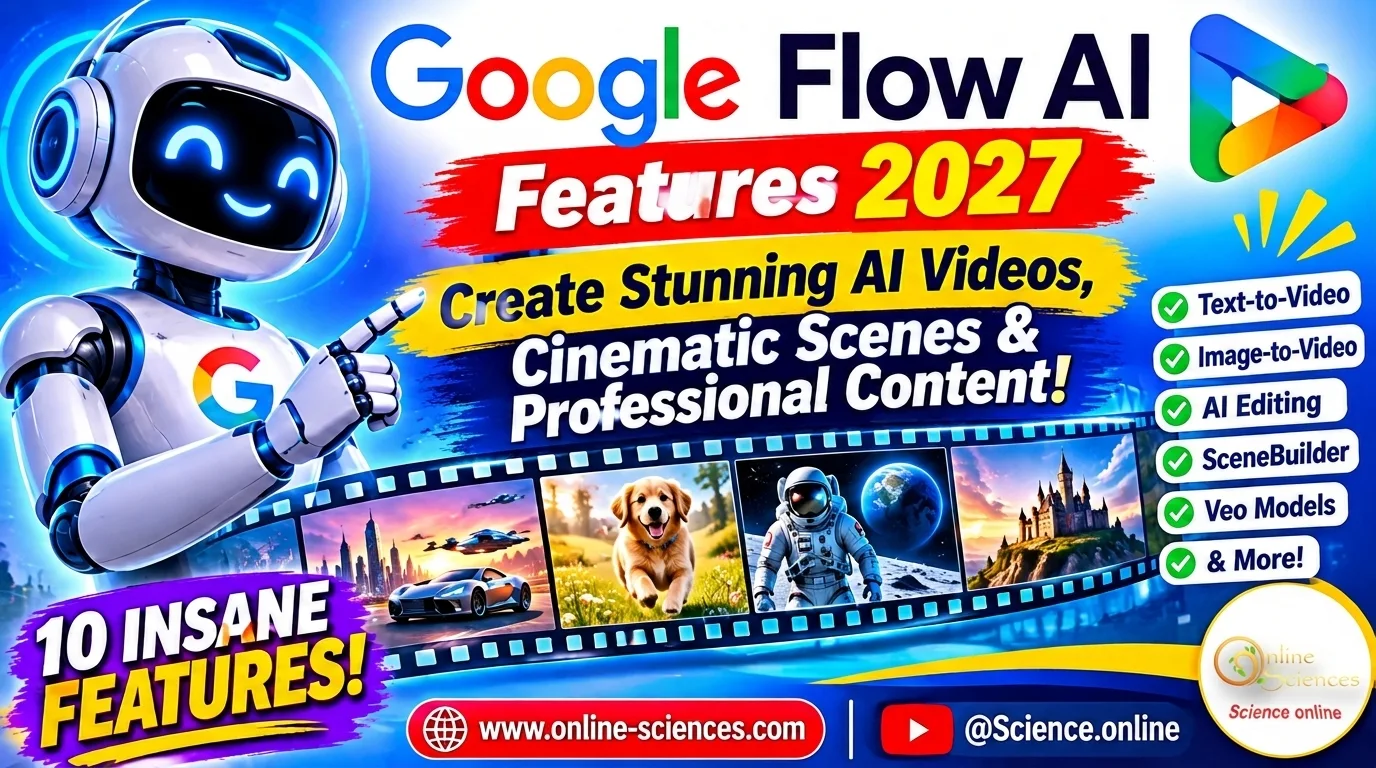
Google Flow AI Features 2027
Google Flow AI
Google Flow AI is changing how creators produce videos, images, and cinematic stories with artificial intelligence. Powered by Google’s advanced generative AI models, including Veo, Gemini, and Nano Banana, Flow allows users to transform simple text prompts, images, and creative ideas into impressive visual content. Whether you are a YouTube creator, filmmaker, marketer, or beginner, Google Flow AI offers powerful tools to generate videos, animate images, maintain character consistency, and edit scenes with greater creative control.
What is Google Flow AI?
Google Flow AI is an advanced AI-powered creative studio developed by Google to help users create and edit professional-looking visual content. Instead of spending hours filming, animating, and editing, creators can describe their ideas using natural language and let AI generate visual scenes.
Flow combines Google’s generative technologies to provide an integrated environment for creating images, videos, and cinematic sequences. It is particularly useful for filmmakers, content creators, advertisers, and social media professionals who want to produce engaging content more efficiently.
Google Flow supports different AI models and creative tools, allowing users to choose suitable generation methods depending on their projects and subscription plans.
Google Flow Free Credits
Google Flow free credits allow eligible users to explore AI video generation without immediately purchasing a paid subscription. Users can spend their available credits to generate videos and experiment with different AI models and creative tools. The number of free credits, daily limits, and generation costs may vary depending on Google’s current plans and regional availability.
Google Flow Video Generator
Google Flow video generator is an AI-powered tool that transforms text prompts and reference images into realistic, creative video clips. Powered by Google’s Veo technology, it allows users to describe characters, environments, camera movements, and visual effects to generate cinematic scenes. It is especially useful for YouTubers, filmmakers, marketers, and content creators who want to produce engaging videos with less filming and editing effort.
Google Flow AI for YouTube
Google Flow AI for YouTube is a powerful tool for creating engaging video content, cinematic scenes, animated stories, and professional visual effects. YouTubers can use its text-to-video and image-to-video features to produce attractive introductions, educational animations, product demonstrations, and technology videos. It helps creators turn creative ideas into impressive visuals, save production time, and make their YouTube content more entertaining and visually appealing.
Google Flow AI Features
1. Text-to-Video Generation
One of the most impressive Google Flow AI features is text-to-video generation. Users can describe a scene, including characters, movements, lighting, camera angles, and environments. The AI transforms the written prompt into a video clip.
2. Image-to-Video Generation
Google Flow can animate still images and turn them into dynamic video scenes. This feature is useful for transforming photographs, illustrations, product images, and AI-generated artwork into engaging videos.
3. Ingredients to Video
This feature allows users to provide reference images of characters, objects, and environments. Flow uses these visual ingredients to create videos while helping maintain consistency across different scenes.
4. First and Last Frame Control
Creators can upload starting and ending images to guide video generation. Google Flow generates the transition between these frames, making it easier to create cinematic movements and storytelling sequences.
5. Advanced AI Video Editing
Google Flow provides AI-powered editing capabilities that allow users to modify existing videos, add or remove objects, and refine visual details using prompts and available editing tools.
6. SceneBuilder for Cinematic Stories
SceneBuilder helps creators organize generated clips and build connected scenes. It makes it easier to develop longer storytelling projects instead of producing disconnected video clips.
7. AI Image Generation and Editing
Flow also supports image generation and editing through Google’s Nano Banana models. Users can create artwork, modify objects, change visual elements, and prepare images for future video projects.
8. AI Characters and Avatars
Google Flow supports character references and avatars, helping creators develop recognizable characters for different scenes. Users can reuse visual references to build more consistent stories.
9. Different Video Models and Creative Controls
Flow offers access to different generative models, including Veo and Gemini Omni. Users can select available models, aspect ratios, video durations, and output settings to match their creative needs.
10. AI Creative Tools
Google Flow includes additional creative tools such as video resizing, animated text overlays, image editing, shader effects, and storyboard creation. These tools help creators develop complete visual projects in one creative environment. Google continues to expand Flow‘s capabilities, although available features depend on the selected model, subscription, and region.
Why Is Google Flow AI Useful for YouTube Creators?
Google Flow AI can help YouTube creators produce cinematic introductions, educational videos, product demonstrations, science animations, technology presentations, and promotional content.
For example, Science and Technology channels can use AI-generated scenes to explain robotics, artificial intelligence, space exploration, futuristic inventions, and scientific discoveries.
Creators can generate visual ideas from text prompts, animate reference images, and combine multiple clips into engaging stories. However, reviewing the generated content and editing the final video remain important for professional results.
Is Google Flow AI Free?
Google Flow offers free access with limited daily credits in supported regions. Paid Google AI subscriptions provide additional monthly credits and may unlock higher usage limits, advanced tools, and improved output options.
The available credits and generation costs can change depending on the AI model, video duration, and selected settings. Therefore, users should check the official Flow website for the latest availability and pricing.
You can explore Google Flow here: https://labs.google/fx/tools/flow
Frequently Asked Questions (FAQ)
1. What is Google Flow AI used for?
Google Flow AI is used to generate videos, animate images, create cinematic scenes, edit visual content, and develop AI-powered stories.
2. Can Google Flow AI generate videos from text?
Yes. Users can describe scenes through text prompts and generate videos using supported AI models.
3. Does Google Flow support image-to-video generation?
Yes. Users can upload images and animate them into video clips.
4. Is Google Flow AI free in 2027?
Google Flow offers free access with limited credits in supported regions, while paid subscriptions provide additional benefits.
5. Can I use Google Flow AI for YouTube videos?
Yes. It can help create cinematic scenes, educational animations, introductions, promotional videos, and creative content for YouTube.
6. Does Google Flow use Veo AI?
Yes. Google Flow integrates Veo models alongside other Google generative AI technologies.
7. Can Google Flow maintain character consistency?
Yes. Its ingredients and character reference features help maintain recognizable characters and objects across generated scenes.
Conclusion
Google Flow AI is becoming an exciting platform for AI-powered filmmaking and creative video production. With text-to-video generation, image animation, character references, AI editing, SceneBuilder, and advanced generative models, it gives creators more ways to transform their ideas into visual stories. Whether you want to create YouTube videos, cinematic animations, advertisements, or educational content, Google Flow AI is worth exploring in 2027.
Explore more science and technology articles on Science Online: https://www.online-sciences.com/
Watch more technology videos on Science Online Channel: https://www.youtube.com/@Science.online
🔥 🚀 Google Flow AI 2027: 10 INSANE Features That Will Change Video Creation Forever! 🔥
🔥 Flow AI APK Unlimited Credits 2027: Features, Free Credits, AI Video Generation & Risks 🚀🔥
🔥 🚀🔥 Google Flow AI Prompts 2027: 25+ Powerful Prompts to Create Stunning & Viral AI Videos! 🔥
🔥 Google Flow Premium APK Latest Version 2027: Unlock AI Video Features & Free Credits? 🔥
🔥 🚀 Google Flow AI for YouTube: Create AMAZING Viral Videos with AI! 🔥
🔥 Google Flow AI 2027: Create Hollywood-Style Videos for FREE! 10 Mind-Blowing Features & Pricing! 🚀
🔥 Google Flow Mod APK Download: 7 Powerful Tips for AI Video Creation Safely!
🔥 Google Flow APK Download: Create Stunning AI Videos in 2027! 🚀🔥
🔥 Google Flow AI Free Credits: 7 Powerful Ways to Get More AI Videos 🚀🔥
🔥 Google Flow AI Tutorial 2027: 10 Powerful Steps to Create Stunning AI Videos 🚀🔥
🔥 Google Flow Unlimited Free 2027: 7 Powerful Ways to Create AI Videos Without Paying 🚀
🔥 Google Flow Credits 2027: 7 Powerful Ways to Get More Free AI Credits 🚀
🔥 Google Flow AI Video Generator 2027: 15 Powerful Features & Free Credits 🚀
🔥 Google Flow AI Free in 2026: Create Amazing AI Videos Without Paying 🚀
🔥 Google Flow Unlimited Credits FREE 2027: 7 Powerful Ways to Create AI Videos 🚀
🔥 Google Flow Unlimited Credits FREE in 2026: Get 50 Daily Credits & Create Amazing AI Videos!
Google Veo 3 AI Video Generator: How to Create INSANE Videos in Gemini AI Ultra! 🚀
Goodbye Google Assistant? 10 Powerful Reasons Gemini AI Is the Future in 2026
Will Gemini AI Replace Google Assistant? The Ultimate Guide to Google’s Powerful AI Upgrade 2026
Google Assistant Review 2026: Features, Pros, Cons and What It Can Do