🔥 Google Flow Free Credits 2027: 7 Powerful Ways to Get More AI Video Credits 🔥
Google Flow is an AI-powered filmmaking tool that helps creators transform text prompts, images, and creative ideas into cinematic video scenes. If you want to experiment with AI video generation without spending too much money, understanding Google Flow free credits is essential. In this guide, you will discover how credits work, how to check your available balance, seven practical ways to make your credits last longer, and what to know before searching for unlimited free AI video generation.
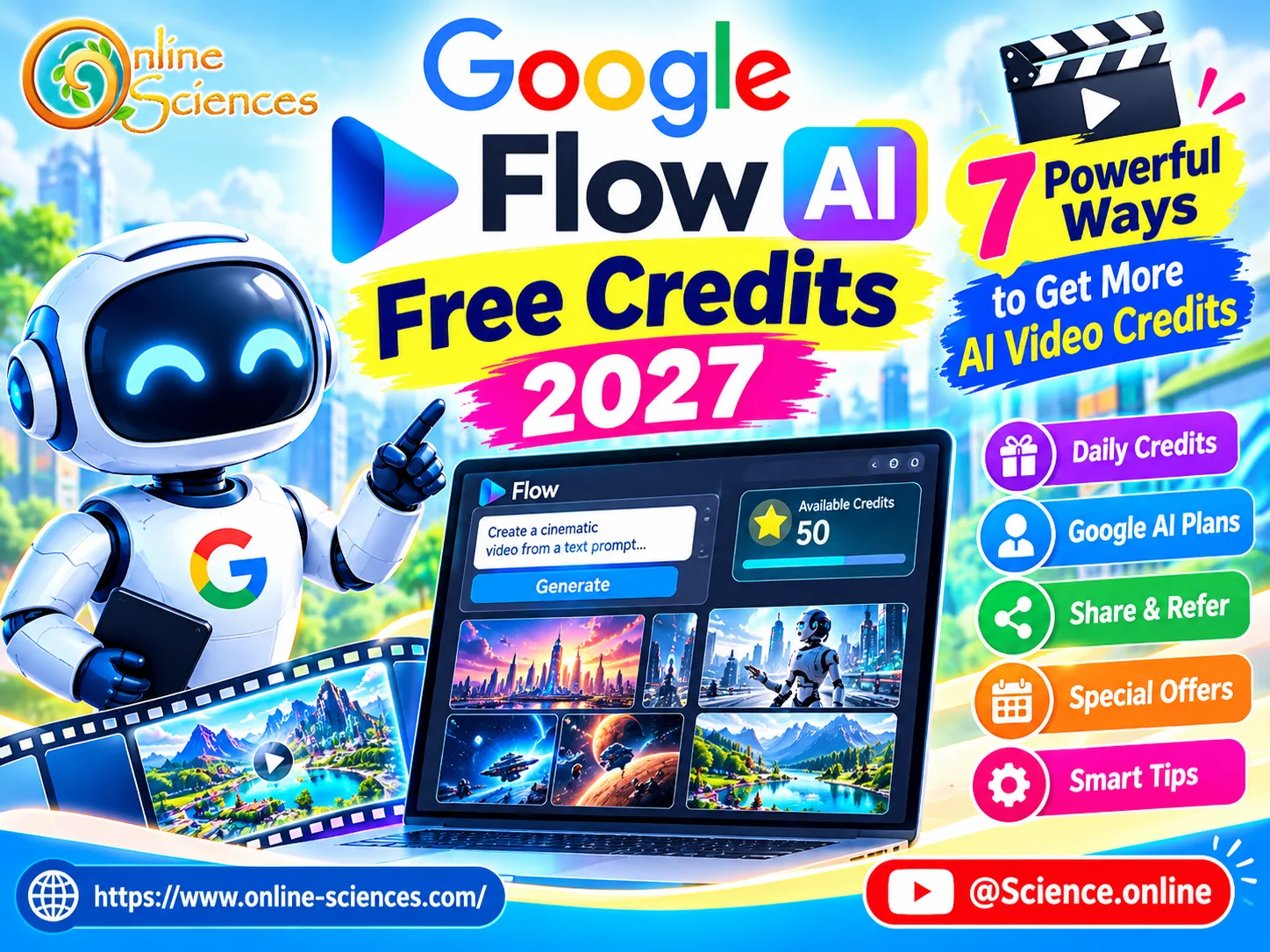
🔥 Google Flow Free Credits 2027
What Are Google Flow Free Credits?
Google Flow is Google’s AI filmmaking experience designed to help users create visual stories with generative AI models. Depending on the available features and account eligibility, creators can use it to generate video clips, explore different scenes, and develop cinematic sequences from written prompts or visual references.
Free credits, when offered, provide a limited allowance for using eligible AI generation features. Instead of paying separately for every experiment, an eligible user may receive a certain amount of usage through a free offer, an introductory allowance, or a qualifying Google AI subscription or promotion.
However, it is important to understand that Google Flow does not necessarily provide unlimited free video generation to every user. Credit amounts, expiration rules, supported models, and generation costs can change. Your actual allowance depends on the plan and offers available to your account.
Before starting a project, open the official Flow experience and review the account’s displayed credit balance, plan details, and current usage rules. This is the safest way to understand what you can create without unexpected costs.
7 Powerful Ways to Get More Value From Google Flow Free Credits
1. Check Official Free Offers and Eligible Plans
The first step is to determine whether your Google account qualifies for a free allowance, trial, promotional offer, or another eligible plan benefit. Visit the official Google Flow website and check the current information displayed for your account.
You can also review Google’s official AI subscription pages for details about included features and usage limits. Remember that a subscription may provide additional benefits, but it is not automatically free. Always check the price, renewal terms, and regional availability before subscribing.
2. Plan Your Video Before Generating It
One of the easiest ways to conserve credits is to prepare your video concept before opening the generator. Write a short script, decide how many scenes you need, and describe the visual style you want.
For example, if you are creating a science video about humanoid robots, plan scenes showing a robot walking through a modern laboratory, interacting with a human, and performing a task. A clear storyboard reduces unnecessary experiments and helps you use available generations more effectively.
3. Write Detailed and Specific AI Prompts
A vague prompt can produce a video that does not match your expectations. A detailed prompt can communicate the subject, environment, lighting, camera movement, mood, and action more clearly.
For example, instead of writing, “A robot in a laboratory,” try: “A friendly humanoid robot walks through a bright futuristic laboratory, examining advanced scientific equipment, cinematic tracking shot, realistic metallic details, soft blue lighting, smooth movement, and a professional science documentary style.”
This approach cannot guarantee a perfect result, but it gives the AI a more precise creative direction and may reduce the need for repeated attempts.
4. Create Short Clips Before Building Long Videos
When experimenting with an unfamiliar model or prompt, start with a short scene if the available settings permit it. Review the result before investing more credits in additional generations.
Once you find a visual style that works, build the rest of your video around it. Short, carefully planned clips can be combined into a longer presentation using a video editor. This technique is especially useful for YouTube explainers, technology reviews, educational documentaries, and science-fiction stories.
5. Reuse Successful Ideas and Visual References
If a generation produces a scene you like, preserve its prompt and relevant visual references. Use them as a starting point for later scenes, adjusting only the details that need to change.
Maintaining consistent descriptions of characters, clothing, locations, and lighting can help you develop a more coherent video. Where Flow offers suitable reference or scene-continuation features, explore their official instructions before using them. Reusing a successful creative approach does not necessarily eliminate credit costs, but it can make your workflow more organized and reduce avoidable trial and error.
6. Compare Available Models and Settings
AI video tools may offer different models, quality levels, durations, or generation settings. These options can have different credit costs and availability. Before generating a clip, check the displayed cost and choose settings that match your purpose. A simple draft may not need the same level of detail as a final promotional video.
Avoid assuming that every model costs the same number of credits. Review the current interface because model options and credit requirements can change over time.
7. Combine Flow With Free Video Editing Tools
You do not need to generate every element of a finished video with AI. You can use Flow for the scenes that benefit most from cinematic visuals and complete the project with a video editor.
For example, add narration, captions, transitions, background music, and a title screen during editing. You can also use original footage, properly licensed images, diagrams, and screen recordings where appropriate. This mixed workflow helps you reserve AI credits for the most visually important scenes instead of generating every title card or transition.
How to Check Your Google Flow Credit Balance
To check your available credits, visit the official Google Flow experience at https://labs.google/fx/tools/flow and sign in with your Google account. Look for the credit balance, usage information, plan details, or other account indicators provided in the current interface. If you cannot find a balance, consult Google’s official help documentation or account-specific plan information.
Next, review the cost of the model or generation option you intend to use. If the interface displays an estimated credit cost, use it to plan your project before confirming a generation. Keep in mind that credit balances, usage limits, and account eligibility may vary by country, plan, and time. A free offer available to one user may not be available to another.
Is Google Flow AI video generator Free?
Many creators search for “Google Flow Unlimited Free” because they want to generate AI videos without paying. However, unlimited free access should not be assumed.
Google may change its promotional offers, free usage allowances, and subscription benefits. Even when an account receives free credits, those credits may be limited, and different generation features may have different costs.
Be cautious of websites or videos promising secret codes, unlimited credits, modified applications, or guaranteed methods to bypass usage limits. Such claims may be misleading or expose your account and personal information to risk. The best approach is to use official Google offers, check your account’s current allowance, and plan each generation carefully.
Best Ways to Use Google Flow Credits for YouTube
Google Flow can be useful for creating visual content for educational channels, technology explainers, product concepts, fictional stories, and science videos. Creators can develop scene ideas, test cinematic compositions, and produce visual material that would otherwise require specialized equipment or extensive production work.
For a science and technology channel, you might create a futuristic laboratory, illustrate a concept about robotics, or develop a short sequence showing a hypothetical space mission. Clearly distinguish AI-generated illustrations from real demonstrations, particularly when discussing scientific discoveries or product capabilities.
For the best results, combine concise narration, well-planned scenes, readable captions, and a strong opening hook. Use your available credits on scenes that make the greatest difference to the story.
Conclusion
Google Flow free credits can help eligible users explore AI filmmaking and produce creative video clips without immediately committing to a paid plan. The key is understanding your account’s actual allowance, checking the cost of each generation, writing effective prompts, planning scenes, and combining AI-generated clips with conventional editing.
Although unlimited free access is not guaranteed, these seven strategies can help you make better use of whatever credits and features are available to you. Always rely on official Google information for current eligibility, pricing, and credit limits before starting a large video project.
Frequently Asked Questions (FAQ)
1. Does Google Flow offer free credits?
Free usage or promotional allowances may be available to eligible users, depending on Google’s current offers, account eligibility, region, and plan. Check the official Flow interface for your account’s current terms.
2. How can I get Google Flow free credits?
Check official Google Flow offers, eligible plan benefits, and any promotions available to your account. Avoid unofficial websites that promise guaranteed unlimited credits.
3. Are Google Flow credits unlimited?
Not necessarily. Credit allowances and generation limits depend on the applicable offer or plan and can change over time.
4. Do Google Flow credits expire?
Expiration rules depend on the specific credit type and applicable offer. Review the current terms associated with your account rather than assuming credits remain available indefinitely.
5. Can I use Google Flow for free in 2027?
Availability in 2027 depends on Google’s policies, eligible offers, and regional access at that time. Check the official website for the latest information.
6. How can I save Google Flow credits?
Plan your storyboard, write detailed prompts, test ideas carefully, use suitable generation settings, and combine AI clips with traditional video editing.
7. Is Google Flow available in Egypt?
Availability and features may depend on Google’s supported countries, account eligibility, and current regional restrictions. Check the official Flow website to confirm access from Egypt.
8. Is Google Flow good for YouTube videos?
It can be useful for creating cinematic scenes, visual explanations, concept videos, and creative storytelling. Results depend on the prompt, available features, and editing workflow.
9. Can I get free Google Flow credits without a subscription?
That depends on whether Google currently offers a free allowance, trial, or promotion to your account. Do not assume that every account qualifies for free access.
10. What is the safest way to get more Google Flow credits?
Use official Google offers and eligible plan benefits, monitor your balance, and avoid third-party services claiming to bypass Google’s credit system.
Explore more science and technology articles on Science Online: https://www.online-sciences.com/
Watch more technology videos on Science Online Channel: https://www.youtube.com/@Science.online
🔥 Google Flow Unlimited Free 2027: 7 Powerful Ways to Create AI Videos Without Paying 🚀
🔥 Google Flow Credits 2027: 7 Powerful Ways to Get More Free AI Credits 🚀
🔥 Google Flow AI Video Generator 2027: 15 Powerful Features & Free Credits 🚀
🔥 Google Flow AI Free in 2026: Create Amazing AI Videos Without Paying 🚀
🔥 Google Flow Unlimited Credits FREE 2027: 7 Powerful Ways to Create AI Videos 🚀
🔥 Google Flow Unlimited Credits FREE in 2026: Get 50 Daily Credits & Create Amazing AI Videos!
Google Veo 3 AI Video Generator: How to Create INSANE Videos in Gemini AI Ultra! 🚀
Goodbye Google Assistant? 10 Powerful Reasons Gemini AI Is the Future in 2026
Will Gemini AI Replace Google Assistant? The Ultimate Guide to Google’s Powerful AI Upgrade 2026
Google Assistant Review 2026: Features, Pros, Cons and What It Can Do