Best Free AI Image Generators in 2027: Create Stunning Images Without Paying!
The best free AI image generators in 2027 make it easier than ever to transform simple text prompts into stunning digital artwork, realistic photos, illustrations, product images, and professional designs. Whether you are a content creator, blogger, student, designer, or social media enthusiast, these powerful AI image generation tools can help you create amazing visuals without expensive software or advanced design skills. Discover the best free AI image generators, their features, advantages, disadvantages, and free plan limitations.
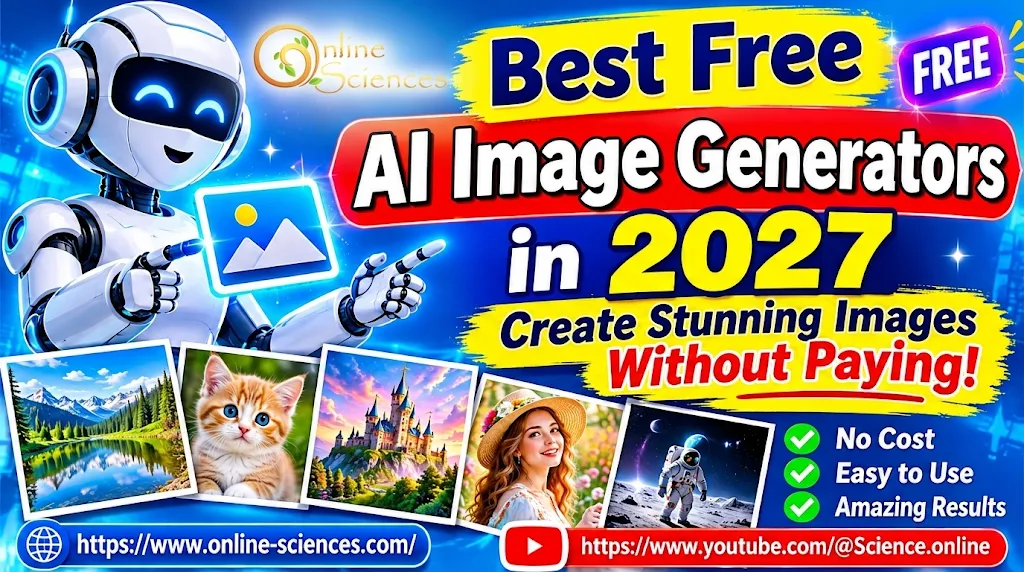
Best free AI image generators in 2027 for creating stunning AI-generated images.
AI Image Generator 2027
An AI image generator in 2027 is an advanced artificial intelligence tool that transforms text descriptions into realistic photos, digital artwork, illustrations, and creative designs. Modern AI image generators such as Google Gemini, ChatGPT, Adobe Firefly, and Leonardo AI help users create stunning images in different styles, edit existing pictures, and produce professional visual content. These tools are ideal for bloggers, designers, YouTubers, and content creators who want to save time and improve their creativity.
Free Text to Image AI
Free text-to-image AI tools allow users to create beautiful images simply by typing a description of what they imagine. These platforms use artificial intelligence to understand prompts describing objects, people, backgrounds, colors, lighting, and artistic styles, then transform them into original visuals. Free text-to-image generators are useful for creating website illustrations, YouTube thumbnails, social media posts, product concepts, and digital artwork without advanced design skills. However, some platforms impose daily credits, generation limits, or restrictions on image downloads and commercial use.
Best Free AI Image Generators in 2027
Artificial intelligence has transformed digital creativity. Modern AI image generators use advanced machine learning models to understand written descriptions and produce images in different artistic styles. Here are some of the leading tools worth exploring.
1. Google Gemini – Best Overall Free AI Image Generator
Google Gemini is one of the best free AI image generators for beginners and experienced creators. It allows users to create images from text prompts and edit existing pictures using natural language instructions. You can describe a scene, change backgrounds, modify objects, and experiment with different artistic styles. It is particularly useful for creating realistic images, illustrations, and creative social media content. Free usage is limited, and availability depends on the account and region.
2. ChatGPT – Best for Creative Image Generation
ChatGPT offers an easy way to generate stunning images directly through conversations. Users can describe an idea, request an image, and improve the result by asking for changes. It can create realistic portraits, product concepts, educational illustrations, posters, and imaginative digital artwork. One major advantage is its ability to understand detailed instructions and make adjustments without requiring complicated design software. Free users can access image generation with usage limits.
3. Microsoft Designer – Best for Social Media Graphics
Microsoft Designer is an excellent option for creating attractive social media graphics, invitations, posters, and marketing visuals. Its AI image generation capabilities help users transform written descriptions into creative images. You can also combine generated visuals with text and design elements to produce ready-to-share content. It is especially useful for bloggers, YouTubers, and small businesses that need eye-catching graphics without hiring a professional designer.
4. Adobe Firefly – Best for Professional Creative Projects
Adobe Firefly provides powerful AI image generation and editing features for designers, marketers, and digital artists. It can generate images from text descriptions, create different visual styles, and help modify existing artwork. Its integration with Adobe’s creative ecosystem makes it attractive for professional workflows. Adobe emphasizes commercially oriented training practices, but users should still review the applicable licensing terms and free-plan restrictions before using generated images in business projects.
5. Ideogram – Best for Text Inside Images
Ideogram is particularly useful when you need images containing readable text. Many AI generators struggle with spelling and typography, but Ideogram is designed to handle text-based visual designs more effectively. It is suitable for creating posters, advertisements, logos, invitations, product graphics, and YouTube thumbnail concepts. Its free plan provides limited access, so users should check the current credit allowance.
6. Leonardo AI – Best for Digital Art and Game Design
Leonardo AI is a popular platform for creating detailed digital artwork, fantasy characters, game assets, illustrations, and product concepts. It offers creative controls and different image-generation styles, allowing users to experiment with their ideas. Its token-based free access makes it suitable for people who want to explore AI art without immediately purchasing a subscription.
7. Stable Diffusion – Best for Unlimited Local Image Generation
Stable Diffusion is an excellent choice for users who want greater control over AI image generation. Depending on the model and setup, it can produce realistic photographs, illustrations, portraits, and artistic designs. Users can install compatible models on their computers and generate images locally without paying per image to an online service. However, local generation requires suitable hardware, installation, and technical knowledge. Model licenses also vary.
These tools have different strengths, and their free allowances are not identical. A recent comparison of leading generators also highlights Gemini, ChatGPT, Ideogram, Firefly, Leonardo, and Stable Diffusion as useful choices for different creative tasks.
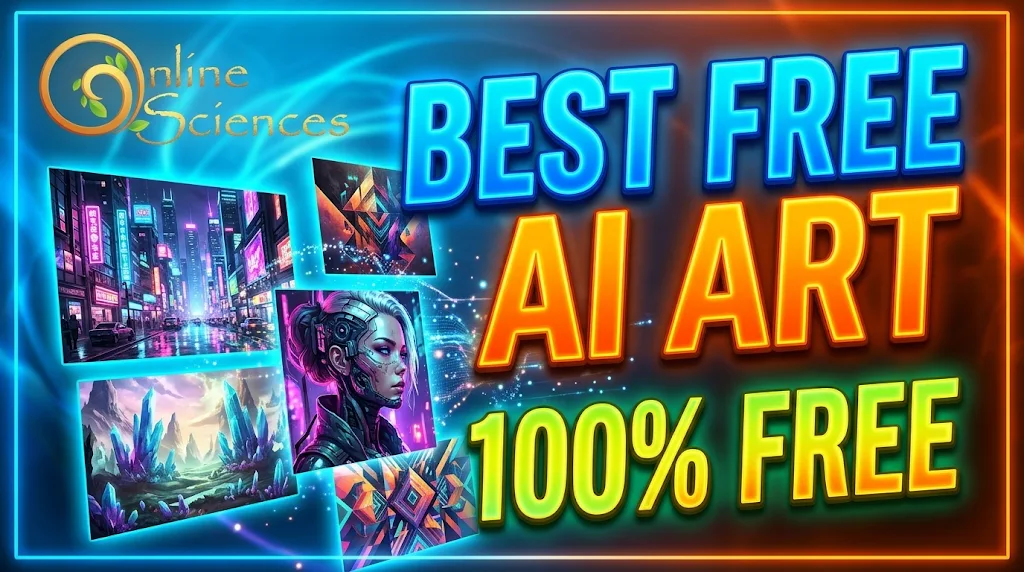
Best Free AI Image Generators in 2027
Comparison of the Best Free AI Image Generators
The best free AI image generators in 2027 offer different features depending on users’ creative needs. Google Gemini and ChatGPT are excellent choices for generating realistic images, transforming ideas into visual content, and editing images through simple text instructions.
Microsoft Designer is particularly useful for creating social media graphics, advertisements, and promotional designs, while Adobe Firefly provides advanced creative tools for professional artwork and image editing. Ideogram stands out for generating images with readable text, making it suitable for posters, logos, and YouTube thumbnails. Meanwhile, Leonardo AI is popular for digital art, fantasy characters, and game assets.
In terms of flexibility and customization, Stable Diffusion is a powerful option because users can install compatible models locally and generate images without paying for each generation. However, it requires suitable computer hardware and some technical knowledge. Online tools are generally easier for beginners, but their free plans often include limited credits, daily generation restrictions, or reduced editing features.
Overall, Gemini and ChatGPT are great for everyday image creation, Ideogram is ideal for typography, Adobe Firefly is suitable for professional creative workflows, and Leonardo AI and Stable Diffusion are excellent for users seeking more artistic control. Free plans, credits, and commercial-use permissions can change. Always check the official terms before publishing or selling AI-generated images.
Advantages of Free AI Image Generators
- Save money: Create attractive images without purchasing expensive design software.
- Save time: Generate images within seconds or minutes.
- Easy to use: Convert simple text prompts into creative artwork.
- Multiple styles: Produce realistic photos, cartoons, illustrations, and 3D artwork.
- Improve creativity: Experiment with ideas that might be difficult to create manually.
- Content creation: Make blog illustrations, YouTube thumbnails, advertisements, and social media posts.
Disadvantages of Free AI Image Generators
- Free accounts have daily, weekly, or monthly generation limits.
- Some platforms restrict image resolution and advanced editing features.
- Certain tools add watermarks or make free creations publicly accessible.
- AI sometimes produces incorrect details, unusual hands, or distorted objects.
- Commercial usage rights vary between platforms and models.
- High-quality image generation may require paid subscriptions.
How to Create Stunning Images Using AI for Free
Creating an AI image is simple, even if you have no graphic design experience.
- Choose an AI image generator such as Gemini, ChatGPT, or Microsoft Designer.
- Open the platform and sign in if required.
- Write a detailed description of the image you want.
- Specify the artistic style, colors, lighting, background, and image dimensions.
- Generate the image and review the result.
- Ask the AI to correct mistakes or modify specific details.
- Download the final image if the platform allows it.
Example AI image prompt: “Create a stunning photorealistic image of a futuristic humanoid robot standing in a beautiful high-tech city, colorful neon lights, cinematic lighting, incredible details, professional photography, 4K quality, vibrant colors, and a wide 16:9 composition.”
Best Free AI Image Generators in 2027
Which Free AI Image Generator Should You Choose in 2027?
The best choice depends on your creative needs. Google Gemini and ChatGPT are excellent starting points for general image generation and editing. Microsoft Designer is useful for social media content, Adobe Firefly is attractive for professional creative workflows, and Ideogram is a strong choice for images containing text.
Leonardo AI is suitable for digital artists, while Stable Diffusion offers greater flexibility for users comfortable with local installation. If you create website articles and YouTube thumbnails, try Gemini, ChatGPT, and Ideogram first. Compare the results and choose the platform that delivers the image quality and design style you need.
Frequently Asked Questions (FAQ)
1. What is the best free AI image generator in 2027?
Google Gemini and ChatGPT are excellent overall choices for generating and editing images. Ideogram is particularly useful for designs containing text, while Leonardo AI is suitable for digital artwork.
2. Can I generate AI images for free without signing up?
Some AI image websites offer limited image generation without registration, but most popular platforms require an account to access their free features.
3. Which AI image generator creates the most realistic images?
Gemini, ChatGPT, Adobe Firefly, and Leonardo AI can produce highly realistic images. Results depend on the model, prompt quality, and generation settings.
4. Can I use AI-generated images for YouTube thumbnails?
Yes. You can use AI-generated images to create YouTube thumbnails, provided you follow the platform’s terms and applicable copyright and licensing requirements.
5. Which AI image generator is best for creating images with text?
Ideogram is a strong choice for generating posters, advertisements, and graphics containing readable text.
6. Are free AI-generated images copyright-free?
Not necessarily. Copyright ownership, commercial permissions, and usage restrictions depend on the platform, model license, and applicable laws. Always review the terms before commercial use.
7. Can AI generate images from text prompts?
Yes. Text-to-image AI generators convert written descriptions into images, allowing users to create artwork, realistic scenes, characters, and product concepts.
8. Is there an unlimited free AI image generator?
Stable Diffusion can offer unlimited local generation once installed on suitable hardware, although computational resources and model licenses still apply. Online platforms generally impose free usage limits.
Final Verdict
The best free AI image generators in 2027 are transforming how people create digital content. Whether you want realistic photographs, creative illustrations, professional posters, or engaging YouTube thumbnails, these tools provide powerful features without requiring expensive subscriptions.
Start with Google Gemini or ChatGPT for easy image generation, Ideogram for typography, Adobe Firefly for creative projects, and Stable Diffusion for greater control. The best strategy is to experiment with several platforms and select the one that meets your image quality, creativity, and budget requirements.
Explore more science and technology articles on Science Online: https://www.online-sciences.com/
Watch more technology videos on Science Online Channel: https://www.youtube.com/@Science.online
🔥 Best Free AI Image Generators in 2027: Create Stunning Images Without Paying! 🔥 🚀
🔥 Another AI Hack: Google Gemini Accessed 3 Real Companies During a Cybersecurity Test 🚀
🔥 Gemini Storybook Tutorial: How to Create a Personalized Story with Gemini Storybook 🚀
🔥 Google Gemini Live: Amazing AI Voice Assistant, Camera & Screen Sharing – Complete Guide 2026 🚀
🔥 Using Gemini for Multimodal Retail Recommendations: GSP1230 Gen AI 🚀
Gemini Takes Over: The End of Google Assistant in 2026! 🚀
Goodbye Google Assistant: Can Your Android Phone Actually Run Gemini? 🚀
Goodbye Google Assistant? 10 Powerful Reasons Gemini AI Is the Future in 2026
Will Gemini AI Replace Google Assistant? The Ultimate Guide to Google’s Powerful AI Upgrade 2026
Google Assistant Review 2026: Features, Pros, Cons and What It Can Do
Claude AI advantages, disadvantages, features and Is Claude better than GPT 4?
Claude Sonnet 4.5 features, advantages, disadvantages, Is Claude Sonnet 4 better than GPT 4?
Gemini AI review, advantages, disadvantages and Is Gemini AI better than ChatGPT?
ChatGPT review, features, advantages and disadvantages
Google Bard AI chatbot advantages, disadvantages, review, features and Bard vs ChatGPT