DLNA technology types, features, uses, advantages and disadvantages
DLNA is a superb industry-wide standard for sharing data over a home network. Depending on the DLNA-compatible devices you own, you can stream the films from your laptop to your TV, play an MP3 stored on your phone over your Wi-Fi system, or print a photo from your tablet on your home printer.
DLNA connectivity
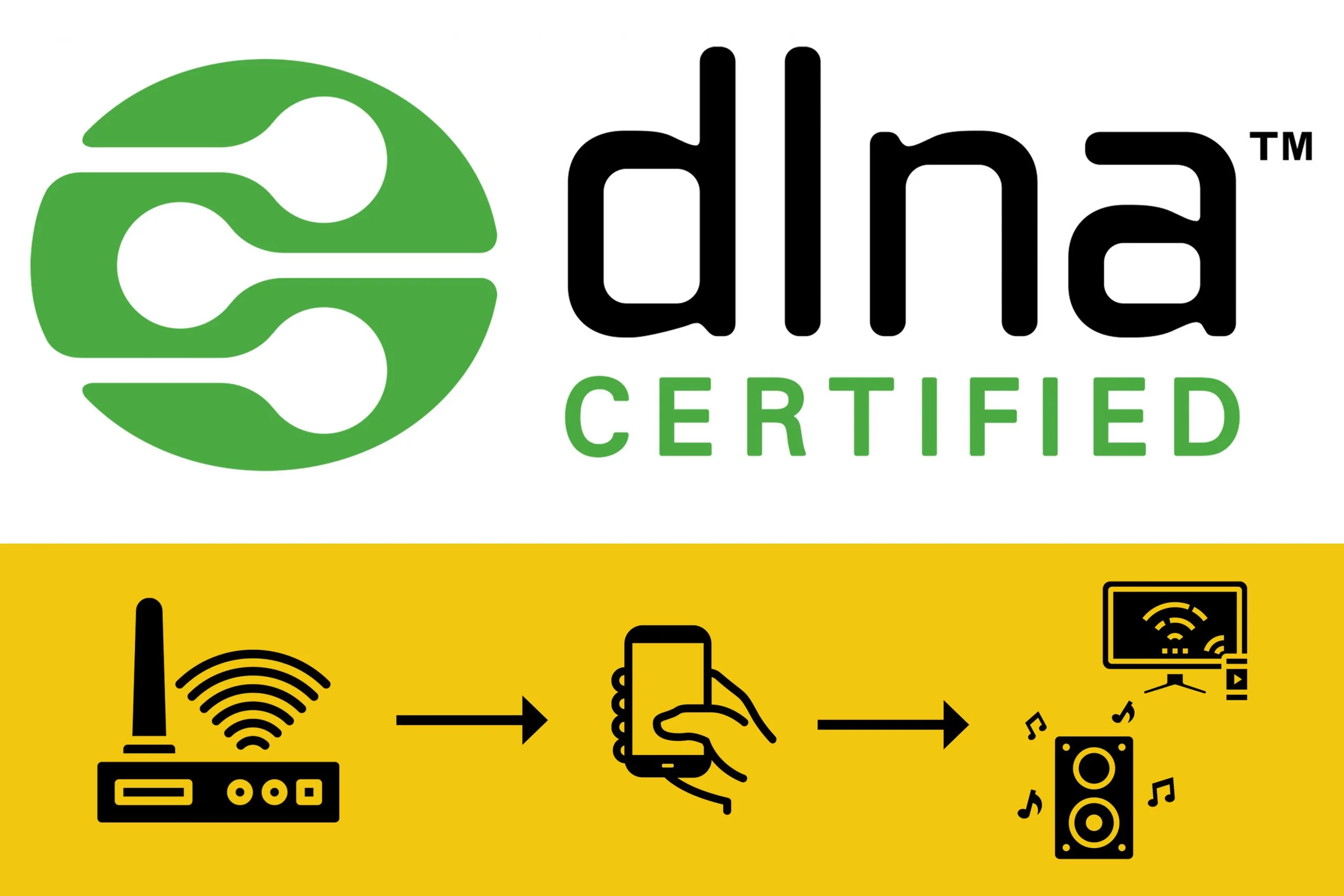
DLNA means Digital Living Network Alliance. It is created by a non-profit association of electronics and computer manufacturers, which was established in 2003 by Sony, to promote the exchange of files, such as photos or videos, between smartphones, televisions, laptops, and printers, over our home networks.
We have seen these initials on some of the latest household gadgets, such as hard disks, smartphones, desktop computers & television sets. DLNA helps exchange multimedia content directly between compatible devices over a household Ethernet or Wi-Fi network.
The electronic devices have to be compatible with DLNA to offer the possibility of playing an MP3 stored on your smartphone on your stereo system, or watching a video stored on your laptop on your television. Not all devices contain this technology & existing devices can’t be adapted.
You need to have a DLNA server and a DLNA client to transmit content using this standard. You can play any multimedia file stored on the DLNA server using the DLNA client because of the wireless communication of your Wi-Fi or an Ethernet connection.
DLNA is a ubiquitous symbol that has become synonymous with wireless connected devices. It is the standard of media home networking, which is supposed to cross platforms and devices. It is an attempt to synthesize something important across as many digital platforms as possible.
DLNA
How does DLNA work?
There are two main types of DLNA products, which are DLNA clients and DLNA servers. DLNA servers, such as PCs or networked storage devices, You need one for each to stream content using DLNA. A DLNA server is the device that stores and sends your movies, music & pictures. These servers may be storage devices, laptops, or multimedia servers for the home.
PCs running with the Windows operating system already have DLNA incorporated into the system, and the Windows Media Player can act as a media server, which manages where the content is delivered & what content is accessible.
If you want the file exchange over the home network to work, you need to have a DLNA client. The DLNA clients are the devices on which the shared content is played, such as SmartTVs, stereo systems, or printers.
DLNA advantages
DLNA allows you to share the data over a home network such as videos, the photos or music on the compatible devices such as TVs, the laptops, the smartphones and the printers, DLNA offers interoperability guidelines to enable sharing of digital media between consumer devices such as the computers, the printers, the cameras, the cell phones and the other multimedia devices.
You know that DLNA is based on a widely used Universal Plug and Play (UPnP) platform for digital media management, file discovery and control, UPnP defines the types of devices that DLNA supports & the methods for accessing the media over the network, If you have the router in your home, you will be able to link DLNA-compliant products across your home network, If your router is wireless, You can do it all over Wi-Fi too.
Video streaming websites have been around for a long time, They are very popular, The people like streaming video websites because the website server has to host the large video file while the user can access it with the smartphone or the tablet, Most mobile computing devices do not have the storage space to accommodate the video library and that is why the websites are convenient.
When you want to watch videos on your computer but you are not at home, you are able to watch the high-quality videos from your computer on any DLNA-compatible device. If you are waiting to catch the plane, you can stream a video directly from your computer to your smartphone.
You do not need to pay for the movies streaming service, You do not have to upload your video to a video hosting site & share it with the world, No complicated login procedures & no strange file management system to navigate, You can determine the accessibility of your videos & you can manage your files in a way that you want to manage them.
Businesses utilize DLNA-enabled video streaming to help their field staff & satellite offices be more efficient. When the sales professional is getting ready to give a sales presentation, it would be a great help if he could access the presentation on his tablet & make the sale.
When the salespeople find themselves face-to-face with the potential client, they could use some marketing materials or a presentation. With this kind of streaming technology, the sales representative can access the sales videos, which will help them bring in more revenue.
You can watch, share & stream your video without having to make DVD copies or take up storage space on your mobile computing device, While many devices work with DLNA, There is one important device that can left out of the decision-making process, which is the router, Without the proper router to handle the traffic, It doesn’t matter how fast or new your devices are.
DLNA disadvantages
One of the drawbacks that you may run into when sharing the content between your household devices is the copyright restriction. The Digital Rights Management (DRM) is another stumbling block; DRM controls the way that people can share digital media to protect copyright.
Some devices, despite being DLNA-certified, won’t share certain music or video files with other devices due to DRM restrictions in place. If you’re a big user of Apple or Samsung products, you may be better served with their proprietary systems rather than DLNA if you want to share media files.
However almost 250 manufacturers are part of the DLNA Alliance, Some brands offer their take on home networking, while the others don’t support DLNA at all, The file formats can be a bit of an issue, Some DLNA devices may play MP4 video files or the popular DivX, but the device is being sent to be unable to recognize this particular file type.
Some devices come with incompatibility, but some multimedia servers like TVersity can solve this problem by encoding content on the fly; this can be problematic to set up with such advanced settings.
You can follow Science Online on YouTube from this link: Science online