4 Free & Unlimited AI Video Generators Better Than Google Flow: 4 Amazing Tools to Try in 2026
Looking for free & unlimited AI video generators better than Google Flow? In 2026, several powerful AI tools can transform text prompts and images into realistic videos, cinematic scenes, animated stories, and social media content. Kling AI, Hailuo AI, PixVerse, and Wan offer different ways to create AI videos, with free access or open-source options depending on your needs.
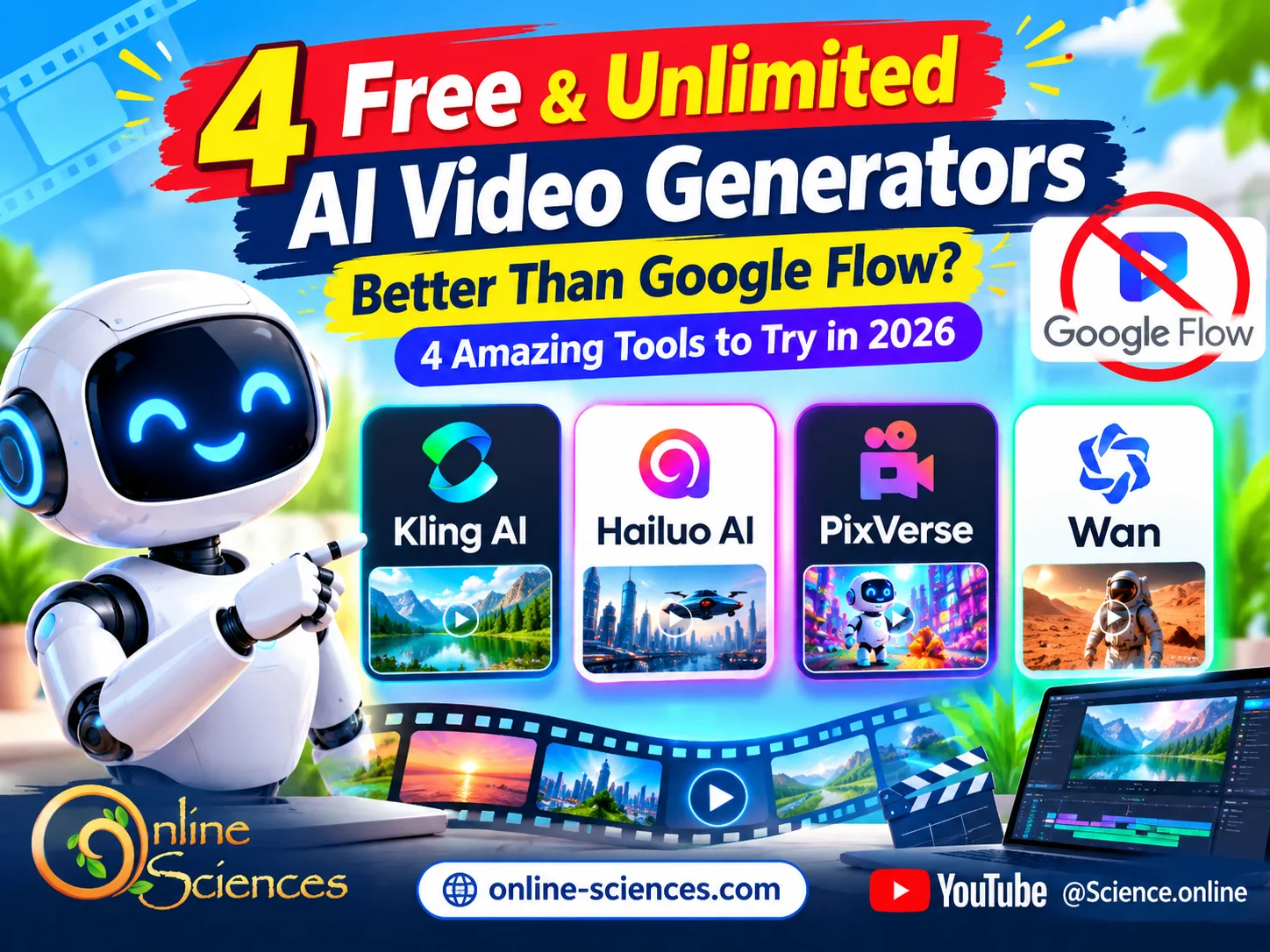
Free & Unlimited AI Video Generators Better Than Google Flow
Free & Unlimited AI Video Generators
Free and unlimited AI video generators allow users to create stunning videos from text prompts, images, and creative ideas without expensive subscriptions. These AI-powered tools can help content creators, YouTubers, and beginners produce engaging videos, cinematic scenes, animations, and social media content in less time. However, truly unlimited free plans may have usage limits, watermarks, or restricted features, so it is important to compare each tool before choosing the best AI video generator for your needs.
What Are the Best Free & Unlimited AI Video Generators Better Than Google Flow?
Artificial intelligence has changed video production by allowing users to create impressive clips without expensive cameras, professional studios, or advanced editing skills. AI video generators can transform written descriptions into moving scenes, animate photographs, and help creators produce content for YouTube, TikTok, Instagram, educational websites, and advertising campaigns.
Google Flow is a powerful AI filmmaking platform designed to help users create cinematic scenes and build visual stories. However, its credit-based system can limit how many videos users generate. Google documents a daily allowance for eligible non-subscribers, although video generation may be restricted during peak hours. The number of videos you can create depends on the selected model and its credit cost.
Fortunately, other AI video generators offer useful alternatives. Some provide recurring free credits, while open-source models can allow extensive generation without a platform-imposed credit quota when installed on suitable hardware.
4 Free & Unlimited AI Video Generators Better Than Google Flow
Here are four options worth exploring.
1. Kling AI: Create Realistic Videos From Text and Images
Kling AI is a popular choice for creators who want realistic movement, cinematic scenes, and visually engaging short videos. It can turn text prompts and still images into moving clips, making it useful for product demonstrations, science videos, futuristic technology, and storytelling.
One of Kling AI‘s main attractions is its ability to generate scenes with detailed environments and natural-looking motion. Depending on the available model and settings, users can experiment with camera movement, character actions, and different visual styles.
For example, a technology blogger could upload a photograph of a humanoid robot and describe how it walks through a modern laboratory. The AI can create a moving scene based on that reference image and prompt.
Key features:
- Text-to-video and image-to-video generation.
- Realistic motion and cinematic visual styles.
- Creative scene generation for short-form content.
- Tools and settings that vary by model and subscription.
- Advantages: Kling AI is useful for creators who prioritize visual quality and want to experiment with realistic scenes without learning complex animation software.
- Limitations: Free access may involve credits, waiting times, watermarks, or restrictions on video length and quality. Therefore, Kling AI should not automatically be considered completely unlimited.
2. Hailuo AI: Generate Creative Videos With Impressive Motion
Hailuo AI is another alternative for users who want to turn text descriptions or reference images into engaging videos. It is particularly worth exploring for cinematic shots, imaginative scenes, character movement, and visual storytelling.
The platform allows creators to describe a scene in natural language and use AI to generate a corresponding video. Image-to-video functionality can also help animate a static picture, giving it movement and a more dynamic appearance.
Imagine creating an article about future smart homes. You could use Hailuo AI to animate a futuristic living room featuring a service robot, interactive displays, and automated lighting. The resulting clip could make the article or YouTube video more visually appealing.
Key features:
- Text-to-video creation.
- Image animation and motion generation.
- Cinematic scenes and creative visual effects.
- A browser-based workflow for experimenting with video ideas.
- Advantages: Hailuo AI is a useful option for creators who want attractive visuals without producing every frame manually.
- Limitations: Free allowances, generation speed, output quality, and watermark rules can change. Check the current terms before relying on it for regular production.
3. PixVerse: Create Eye-Catching Videos for Social Media
PixVerse is worth considering if you want creative, stylized, and attention-grabbing videos for social media. It offers AI video generation from prompts and images, with features that may vary across available models and account plans.
The platform is suitable for experimenting with animated characters, fantasy environments, futuristic products, and short promotional scenes. Its creative approach can be especially helpful when you want a video that attracts attention rather than simply reproducing a realistic scene.
For example, you could create a short clip showing a futuristic electric car driving through a neon-lit city, a robot exploring Mars, or a smartphone surrounded by animated technological effects.
Key features:
- Text-to-video and image-to-video workflows.
- Stylized animation and imaginative visual scenes.
- Short promotional clips and social media content.
- Creative effects and model-dependent generation options.
- Advantages: PixVerse can help beginners explore different visual concepts quickly and create engaging clips for online content.
- Limitations: Free credits, queues, export options, resolution, and watermark policies depend on the current plan. Check the available features before choosing it for a large project.
4. Wan: An Open-Source Option for Extensive AI Video Generation
Wan is particularly interesting for users who want greater control over AI video creation. Unlike hosted generators that depend on a platform’s credit allowance, open-weight Wan models can be run locally or through compatible third-party services.
This makes Wan a strong option for technically confident creators who want to experiment with AI-generated videos without paying for every generation through a hosted service.
Depending on the model and implementation, Wan can support text-to-video and image-to-video workflows. Users can explore realistic scenes, creative animation, and experimental visual storytelling.
For example, a science website could use Wan to generate several conceptual clips illustrating a future city, an intelligent robot, or a spacecraft traveling through deep space. Running the model locally may provide more flexibility for repeated experiments and customized workflows.
Key features:
- Open-weight video generation models.
- Text-to-video and image-to-video capabilities, depending on the model.
- Greater control over the generation environment.
- Potential for extensive generation without platform credit limits when run locally.
- Advantages: Wan is the most interesting option on this list for users who want to avoid recurring generation credits and have the technical resources to manage their own setup.
- Limitations: Local generation requires compatible hardware, sufficient memory, storage, and installation work. Electricity and hardware costs still apply. Cloud-hosted Wan services may impose their own limits, and open weights do not automatically grant unrestricted commercial rights.
How to Choose the Best Free AI Video Generator
The right tool depends on your content goals, technical skills, and willingness to accept free-plan restrictions.
Choose Kling AI if realistic movement and cinematic scenes are your priorities. Try Hailuo AI for creative storytelling and image animation. Consider PixVerse for stylized clips and social media visuals. Choose Wan if you want more control and are comfortable running an open-weight model on suitable hardware.
Before creating videos, check the maximum clip length, resolution, watermark policy, daily or monthly credits, export availability, and commercial-use terms.
It is also important to understand that free does not always mean unlimited. Most online services have some form of usage restriction. Wan, when self-hosted, is the strongest candidate here for repeated generation without a platform-imposed credit quota, but it is not cost-free to operate.
Tips for Getting Better Results
Write detailed prompts that describe the subject, setting, lighting, camera movement, visual style, and intended action. Instead of asking for a video of a robot, specify a humanoid robot walking through a bright modern laboratory, with realistic movement, soft cinematic lighting, and a slow tracking shot.
Use high-quality reference images when supported, generate short scenes before attempting longer projects, and maintain consistent descriptions when creating multiple clips for the same video.
Finally, combine AI-generated footage with editing software to add narration, subtitles, music, transitions, and branding. This workflow can help turn short AI clips into complete YouTube videos or educational presentations.
Conclusion
Kling AI, Hailuo AI, PixVerse, and Wan are four useful alternatives to Google Flow in 2026. Each offers a different balance of visual quality, creative flexibility, ease of use, and cost.
For beginners, hosted platforms are convenient places to start. For users seeking extensive generation without recurring platform credits, self-hosted Wan is worth investigating. Compare current limits and licensing terms before committing to a tool, because AI video features and free plans change frequently.
The best choice is the one that delivers the video quality you need while fitting your budget, workflow, and creative goals.
Frequently asked questions (FAQ)
1. What are the best free AI video generators in 2026?
Kling AI, Hailuo AI, PixVerse, and Wan are four options worth exploring. Their free access and technical requirements differ.
2. Which AI video generator is completely free and unlimited?
Self-hosted open-weight models such as Wan can support repeated video generation without platform-imposed credit limits. However, hardware, electricity, and setup costs still apply.
3. Is Kling AI better than Google Flow?
Kling AI can be a good alternative for realistic motion and creative video generation. The better choice depends on the model, available features, output quality, and free-plan limits.
4. Can I generate videos from images for free?
Yes. Several tools offer image-to-video generation, although the number of free generations, export quality, and other restrictions vary.
5. Can I use AI-generated videos on YouTube?
Generally, AI-generated videos can be used on YouTube, but you must check the generator’s licensing terms, follow YouTube‘s monetization policies, and disclose realistic altered or synthetic content when required.
6. Does Google Flow offer free video generation?
Google Flow‘s documented credit system provides eligible non-subscribers with 50 daily credits, but video generation can be restricted during peak hours. Actual output depends on the model’s credit cost.
7. Which free AI video generator is best for beginners?
Kling AI, Hailuo AI, and PixVerse are convenient hosted options to explore. Wan may be more suitable for users comfortable with technical installation and hardware requirements.
Explore more science and technology articles on Science Online: https://www.online-sciences.com/
Watch more technology videos on Science Online Channel: https://www.youtube.com/@Science.online
🔥 Google Flow Unlimited Credits FREE 2027: 7 Powerful Ways to Create AI Videos 🚀
🔥 Google Flow Unlimited Credits FREE in 2026: Get 50 Daily Credits & Create Amazing AI Videos!
Google Veo 3 AI Video Generator: How to Create INSANE Videos in Gemini AI Ultra! 🚀
Goodbye Google Assistant? 10 Powerful Reasons Gemini AI Is the Future in 2026
Will Gemini AI Replace Google Assistant? The Ultimate Guide to Google’s Powerful AI Upgrade 2026
Google Assistant Review 2026: Features, Pros, Cons and What It Can Do
Claude AI advantages, disadvantages, features and Is Claude better than GPT 4?
Claude Sonnet 4.5 features, advantages, disadvantages, Is Claude Sonnet 4 better than GPT 4?
Gemini AI review, advantages, disadvantages and Is Gemini AI better than ChatGPT?
ChatGPT review, features, advantages and disadvantages
Google Bard AI chatbot advantages, disadvantages, review, features and Bard vs ChatGPT