Google Flow Unlimited Free 2027: 7 Powerful Ways to Create AI Videos Without Paying
Google Flow unlimited free is a popular search term among content creators, YouTubers, and AI enthusiasts who want to generate professional-looking videos without paying for expensive software. Google Flow is an AI-powered filmmaking tool designed to help users turn creative ideas into cinematic scenes using text prompts and visual references. But can you really use Google Flow for free without limits? In this guide, we explain how Google Flow works, how to explore free access, ways to make the most of available AI credits, and alternatives to consider when you need more video generation.
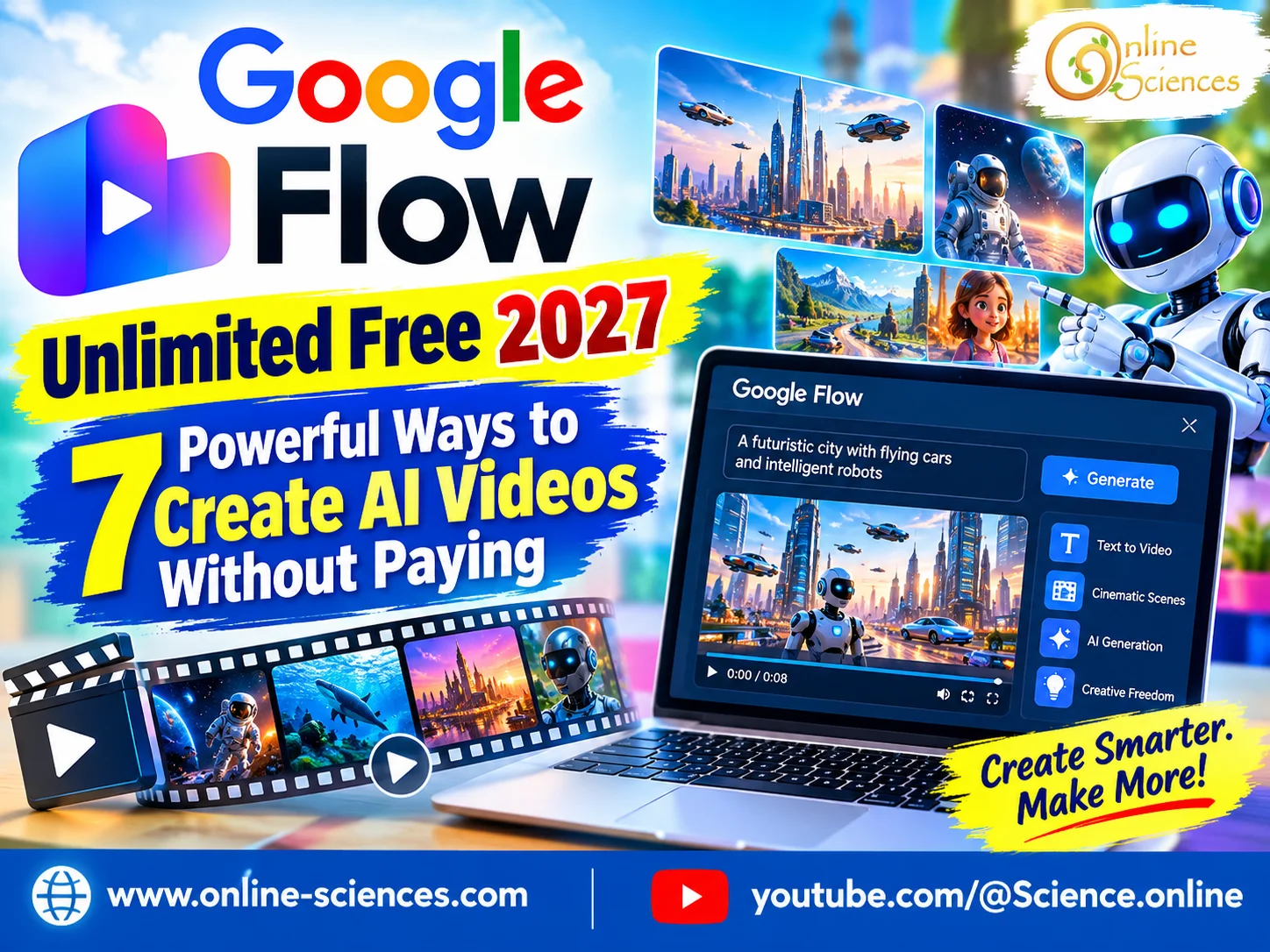
Google Flow Unlimited Free 2027
What is Google Flow AI?
Google Flow is an AI filmmaking tool developed by Google to help creators build cinematic videos using generative AI. It simplifies video production by letting users describe scenes, characters, camera movements, and visual styles in natural language.
Instead of recording every scene with a camera, users can write a prompt describing what they want to see. Depending on the available models and features, Flow can help generate video clips, create visual scenes, and support a more organized creative workflow.
Flow is particularly useful for YouTubers, social media creators, educators, filmmakers, and digital marketers who want to experiment with AI-generated storytelling. However, the features available to each user depend on Google’s current product offering, account eligibility, and subscription plan.
Is Google Flow Unlimited Free?
One of the most common questions is whether Google Flow provides unlimited AI video generation for free. The important distinction is between free access, free credits, and unlimited generation.
Google may offer promotional access, limited free usage, or plan-specific benefits depending on the country, account, and current subscription terms. These offers can change over time, so users should check the official Google Flow website and the pricing information associated with their Google account.
Free access does not automatically mean unlimited video creation. AI video generation requires substantial computing resources, and usage may be restricted by credits, quotas, model availability, or other plan conditions.
Be cautious of websites and videos promising guaranteed unlimited Google Flow credits through unofficial tricks. Avoid sharing your Google password, installing unknown software, or using services that request unnecessary account permissions.
7 Powerful Ways to Get More From Google Flow for Free
1. Check Official Free Access
Start by visiting the official Google Flow website and signing in with your Google account. Review the features and usage limits displayed for your account before starting a project. If a free offer is available, read its conditions carefully. Check whether it includes video generation, which models are supported, and whether credits expire.
2. Monitor Promotions and Plan Benefits
Google’s AI products and subscriptions can change over time. Promotional offers may provide temporary access or additional benefits for eligible users. Check official announcements and account billing pages rather than relying on old tutorials. A method that worked in a previous year may no longer be available.
3. Plan Your Prompts Before Generating
One of the easiest ways to conserve limited AI credits is to write better prompts. Describe the subject, environment, lighting, camera angle, movement, mood, and visual style before generating a clip.
For example, instead of writing “a robot in a city,” try: “A friendly futuristic robot walks through a neon-lit city at night, cinematic wide shot, smooth tracking camera, reflective streets, realistic lighting, science-fiction atmosphere.” A detailed prompt can help you communicate your creative intention more clearly, although it cannot guarantee a perfect result.
4. Create a Storyboard First
Plan your video as a sequence of short scenes. Decide what happens in each scene before generating footage. For a YouTube video about future technology, you might plan an opening shot of a futuristic city, a close-up of an intelligent robot, a demonstration of robotic assistants, and a final shot showing humans working alongside machines. This approach reduces unnecessary experimentation and makes editing easier.
5. Reuse Successful Creative Ideas
Keep a document containing your best prompts, character descriptions, visual styles, and scene ideas. Reuse these elements when developing related videos. Consistency is particularly important for educational series, product explainers, and science-fiction stories. However, generated characters and scenes may not remain perfectly consistent across separate clips.
6. Use AI Video Tools Together
You do not have to generate every part of a project in one application. You can combine Flow, where available, with free or freemium editing software, audio tools, and graphic design applications. For example, you might generate selected scenes with an AI video tool, edit the clips in a video editor, add narration, and create a thumbnail using a design application. Always check the licensing, watermark, export, and usage restrictions of each tool before publishing commercial content.
7. Explore Alternatives When Free Credits Run Out
If your available Flow usage is limited, compare other AI video generators that offer free trials, free tiers, or promotional credits. Availability and limitations vary. Some services restrict video duration, resolution, queue priority, downloads, or the number of generations. Compare the actual terms instead of assuming that an alternative provides unlimited free video creation.
How to Use Google Flow AI Step by Step
Getting started is straightforward:
- Visit the official Google Flow website at https://labs.google/fx/tools/flow.
- Sign in with your Google account if access is available in your region.
- Review the available models, features, and usage limits.
- Start a project and enter a descriptive prompt.
- Generate a clip using the options available to your account.
- Review the result and refine your prompt if necessary.
- Organize your scenes and export or use the results according to the available features and terms.
The exact interface and workflow may change as Google updates its AI tools.
Can You Use Google Flow for YouTube Videos?
Google Flow can be useful for YouTube creators who want cinematic introductions, futuristic backgrounds, educational illustrations, science-fiction scenes, and short visual sequences.
For example, Science Online could use AI-generated clips to illustrate robotics, space exploration, artificial intelligence, future transportation, and emerging technologies. These visuals can make complex subjects more engaging when combined with accurate narration and reliable information.
Before publishing, review Google’s current usage terms and the rules of any other tools used in production. For monetized videos, make sure you have the necessary rights and permissions, and follow applicable disclosure requirements for realistic synthetic content.
Common Problems With Google Flow Free Access
Users may encounter unavailable features, exhausted credits, regional restrictions, account eligibility issues, or temporary service limitations. These problems do not necessarily mean the service is broken.
First, verify the current access conditions and check whether your account has reached its usage limit. Then review Google’s official help resources for account-specific guidance. Avoid unofficial websites claiming to reset credits or unlock paid features. Such services may expose your account or device to security risks.
Is Google Flow Worth Trying for Free?
Google Flow is worth exploring if you want to experiment with AI filmmaking and create cinematic visuals without building a traditional production setup. Its value depends on the tools currently available to you, the quality of the generated results, and how well the workflow fits your needs.
The best strategy is to use any legitimate free access efficiently, plan scenes before generating them, and compare alternatives if your projects require more output than your available quota allows.
Final verdict: Google Flow can help simplify AI video creation, but free access should not be confused with guaranteed unlimited generation. Check the official terms for your account, use your available credits strategically, and avoid unofficial promises of unlimited access.
Frequently Asked Questions
1. Is Google Flow unlimited free in 2027?
Unlimited free access is not guaranteed. Free usage, if offered, may depend on your account, region, subscription, promotions, and current Google policies.
2. How can I get free Google Flow credits?
Check Google’s official Flow interface and current AI plan benefits for any free credits or eligible promotions. Availability and conditions can change.
3. Can I use Google Flow without a subscription?
Access requirements may vary. Check the official website to see whether your account can use Flow without a paid subscription.
4. Does Google Flow generate videos from text?
Flow is designed to support AI filmmaking workflows, including generating visual scenes from prompts where the relevant features are available.
5. Can I use Google Flow videos commercially?
Commercial use depends on the applicable product terms, the content generated, and any third-party rights involved. Review Google’s current terms before using videos in monetized projects.
6. What should I do when my Flow credits run out?
Check whether your account has additional eligible benefits, wait for any applicable quota renewal, review available plan options, or consider another AI video tool with suitable free usage.
7. Are Google Flow unlimited credit generators safe?
Be very cautious. Unofficial credit generators may be scams or expose your account to malware and credential theft. Use Google’s official services and avoid sharing passwords or granting unnecessary permissions.
8. What is the best way to save Google Flow credits?
Plan your scenes, write specific prompts, keep successful prompt templates, and avoid generating multiple versions without a clear reason.
Conclusion
Google Flow offers an exciting approach to AI-powered filmmaking, but the phrase “unlimited free” should be treated carefully. By checking official access options, planning prompts, organizing scenes, and combining suitable creative tools, you can make better use of whatever free generation opportunities are available. For creators who want to produce engaging videos about science, robotics, and technology, a well-planned workflow can be more valuable than simply generating more clips.
Explore more science and technology articles on Science Online: https://www.online-sciences.com/
Watch more technology videos on Science Online Channel: https://www.youtube.com/@Science.online
🔥 Google Flow Unlimited Free 2027: 7 Powerful Ways to Create AI Videos Without Paying 🚀
🔥 Google Flow Credits 2027: 7 Powerful Ways to Get More Free AI Credits 🚀
🔥 Google Flow AI Video Generator 2027: 15 Powerful Features & Free Credits 🚀
🔥 Google Flow AI Free in 2026: Create Amazing AI Videos Without Paying 🚀
🔥 Google Flow Unlimited Credits FREE 2027: 7 Powerful Ways to Create AI Videos 🚀
🔥 Google Flow Unlimited Credits FREE in 2026: Get 50 Daily Credits & Create Amazing AI Videos!
Google Veo 3 AI Video Generator: How to Create INSANE Videos in Gemini AI Ultra! 🚀
Goodbye Google Assistant? 10 Powerful Reasons Gemini AI Is the Future in 2026
Will Gemini AI Replace Google Assistant? The Ultimate Guide to Google’s Powerful AI Upgrade 2026
Google Assistant Review 2026: Features, Pros, Cons and What It Can Do