Video Container Formats (MPEG & MOV) features, uses, cons and pros
MOV, MP4, AVIs, and MPEG are video file formats. They are called container formats. In digital video, the containers are the collections of files encompassing all the components of the video. The components of containers may include video, audio, subtitles and chapter information.
Video Container Formats
Each container format supports different video, audio formats and compression types. The modern computer age offers the option to capture, create, edit, and distribute your films completely using digital technologies.
People love to share their videos on networking websites. These websites allow the MP4 file format to be uploaded for sharing purposes because it takes a small space of the allotted bandwidth. The video streaming is much faster than the API file format.
There are many video file formats you can choose from, each with different features and benefits. AVIs (for PC or MAC) and MOVs (for MAC) are the video formats you want if you want to edit your footage using video editing software or to preserve the best possible video quality for future generations in a flexible, enduring format.
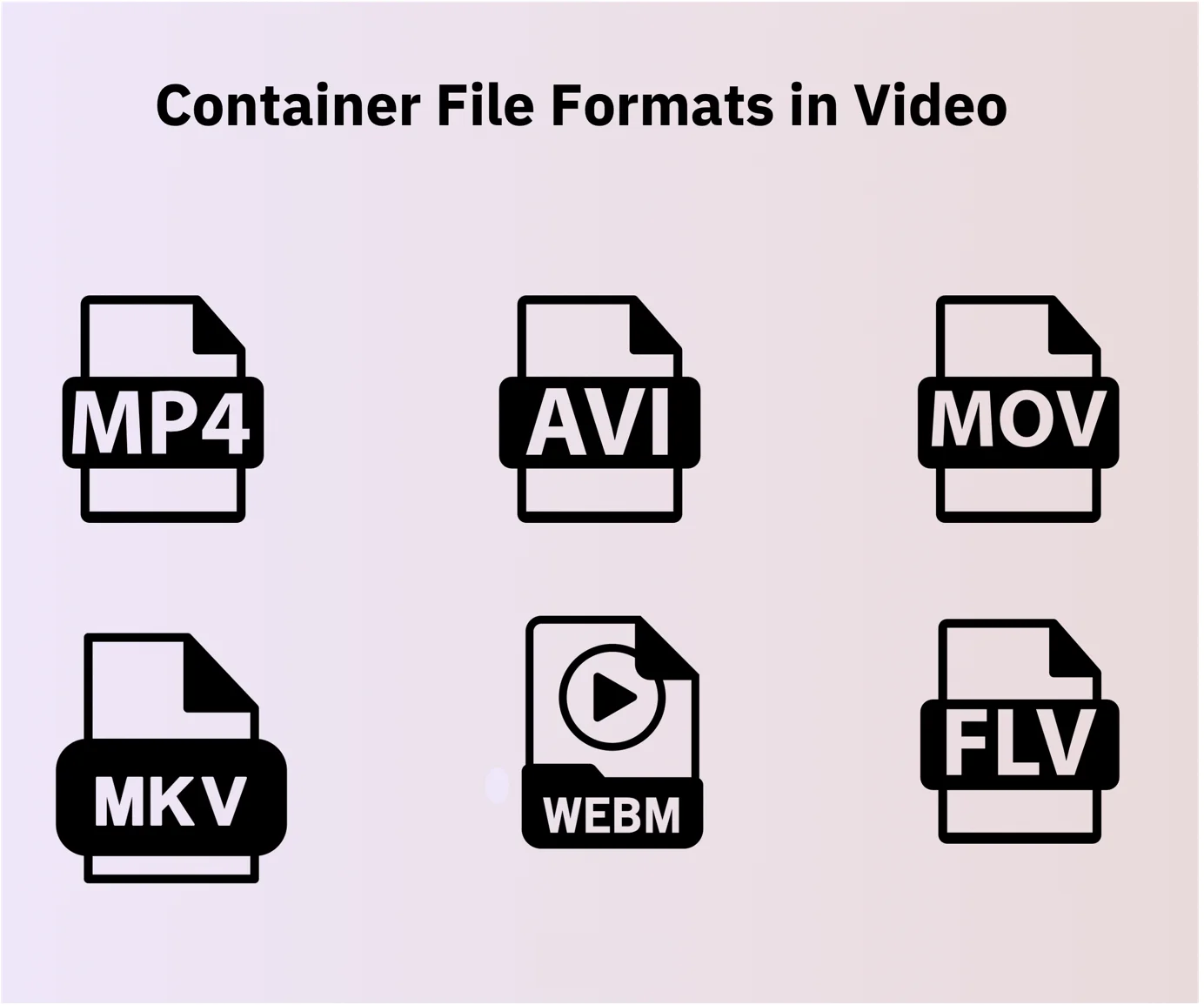
Video Container Formats
AVIs and MOVs are the most flexible, highly compatible computer video file formats. They are full-quality, uncompressed digital video, which represents the best possible resolution from your original media. They are large files (~26 GBS per 2 hours of footage) due to the amount of information they contain, and they are stored on an external hard drive.
AVIs and MOVs are not a recommended format for easy playback and sharing because of their size. They are the most durable, lasting file formats. Because hard drives can fail, please make sure to protect your investment by backing up to your computer or a second hard drive (fortunately, storage is cheap).
MP4 was developed and released as the industry standard, It was based on the MOV format, Due to MP4’s ability for fast streaming over the internet, there are problems with copyright violations, Both MOV and MP4 compress lossy video in the same way and they are interchangeable in the Quick Time environment, So, you don’t have to re-encode video when converting MOV to MP4 and vice versa.
You can run into problems with the MOV format outside of QuickTime; MP4 can run smoothly on most operating systems, as it is designed to the industry standard and therefore has more support. So, on devices such as the Sony PSP and DVD players, you will find an MP4 container instead of MOV.
The main thing to take into consideration when deciding to use MOV or MP4 is what operating system we want to play the video on. For the Apple Mac user, MOV is a perfectly safe choice, but if using any other system, MP4 is your best option as it can operate independently outside of the QuickTime environment.
In the darker scenes of the MP4 image, there are some compression abnormalities causing some distortion, whereas the MOV image is very clear. The size of the MOV video file is 259.2 MB, which, in comparison to the MP4 video file, which is only 49.6 MB, means it is five times bigger.
It can be viewed negatively as the size of the file affects how long it takes to upload, download & affects the time it takes the video to buffer, meaning the MP4 video file is the better choice when it comes to speed, So, It depends on what your own preference, if you want a high quality video & don’t mind the wait, MOV is your best option, otherwise use MP4.
MPEG advantages
MPEG is an older, compressed video file format that uses MPEG-1 or MPEG-2 compression. It does not support lossless compression. MPEG drivers are vendor-specific ( This will change in the future with the advent of ActiveMovie.
MPEG (Motion Pictures Experts Group) format video, which is technically called MPEG-1. The MPEG-1 standard specifies a “native” size of 352×240. Color depth is in millions (24-bit usually), and it is well supported in most browsers and video players.
MPEG uses a more advanced compression algorithm than AVI compressors use. The data rates are as low as 150KB/sec. It can net you 352×240, 30 frames per second, and stereo 16-bit 44Khz. audio playback, It supports streaming, making it a good choice for end product video distribution via the Internet and DVDs.
MPEG video will be of better quality than AVI unless you really target a high-end pc For HD video on MACs, we provide full-quality HD MPEGs instead of MOVs. The compressed MPEG format is what you need if your goal is to share your video footage via YouTube or email, or to store and play your videos on your mobile devices.
MPEG4s are compressed file formats, quickly becoming the standard for internet usage, mobile platforms, and streaming. They provide good quality video in a small package (~0. 75GBs per 2 hours of footage), making them the best file format for sharing over the internet and storing where storage is limited.
The main advantage of MPEG is high-quality video at fairly low data rates. In properly equipped PCs, this is an excellent solution. We can size/position the video anywhere on the screen in both AVI and MPEG formats.
MPEG is the popular choice for creating video archives of video converted from DVDs. The additional points to consider are your software tools, available file storage, and required video features.
MPEG disadvantages
One drawback of this type of file is the software required to run it. It is currently immature and proprietary. Each vendor has a different set of bugs. As MPEGS are so compressed, they are not recommended for editing or archiving.
MPEG does not feature some of the flexibilities of the other formats, making it a poor format for editing video. It is not editable; a finished file would have to be pre-edited and then re-encoded.
MOV advantages
Mov File type is Apple QuickTime Movie, MOV was developed by Apple as a file format for its QuickTime movie player, It commonly uses the MPEG-4 codec for compression, It is smaller in size compared with AVI, It is capable of multiple tracks & overlay subtitles, MOV format had many advantages in everyday use but the subject of ownership became a bit of a nuisance.
MOV uses the proprietary compression algorithm developed by Apple Computer, for use with both Windows and Macintosh platforms.. The programs that open MOV files are Apple QuickTime Player, Microsoft Windows Media Player, VideoLAN VLC media player, CyberLink PowerDVD 14, and iOrgsoft Video Converter.
MOV disadvantages
MOV offers better quality files, but not being of use outside the QuickTime environment, the MOV file type can not be used as commonly as AVI in non-Apple users.
You can follow Science Online on YouTube from this link: Science online
AVI File Format features, uses, advantages, and disadvantages
Microsoft Windows advantages and disadvantages
Linux Operating System advantages and disadvantages
What are the advantages and disadvantages of Windows 7?
Mozilla Firefox advantages, disadvantages, review and features