Sunshine: A Complete Overview of the Open-Source Game Streaming Host, Sunshine vs Moonlight
Sunshine is a self-hosted game-streaming host designed to work with Moonlight, enabling users to stream their PC games to other devices with very low latency. It functions as a personal cloud-gaming server and supports a wide range of hardware, including AMD, Intel, and NVIDIA GPUs. Sunshine is open source, lightweight, and enables high-performance game streaming over local networks or the internet.
Sunshine
Sunshine is an advanced open-source, self-hosted game streaming platform designed to deliver high-performance, low-latency streaming to almost any device. Built as a modern, community-driven alternative to NVIDIA’s discontinued GameStream, Sunshine lets users turn their own gaming PC into a powerful cloud gaming server that works seamlessly with the Moonlight client.
By combining Sunshine on the host PC with Moonlight on the client device, users can enjoy smooth, ultra-responsive remote gameplay across local networks—or even over the internet with proper configuration.
How Sunshine Works
Sunshine runs on your PC and uses hardware video encoding (NVENC, AMF, or Intel Quick Sync) to capture and stream your game in real time. The encoded stream is sent to a compatible client such as Moonlight, which displays the video and returns keyboard, mouse, and controller inputs. The system creates a gaming experience that feels almost like playing directly on the host machine, thanks to Sunshine’s emphasis on low latency and efficient encoding.
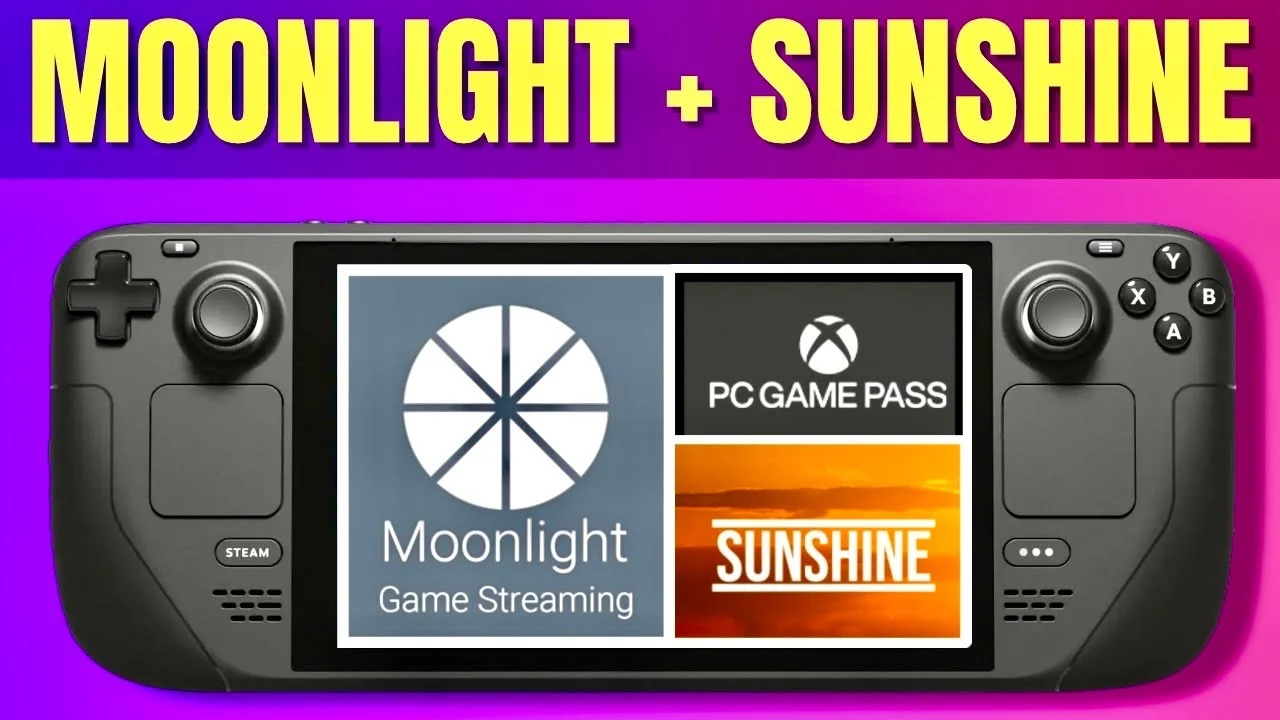
Sunshine vs Moonlight
Sunshine features
Sunshine includes a wide range of features that make it ideal for gamers seeking full control over their streaming setup:
- Low-latency game streaming: Sunshine is optimized to deliver a responsive and smooth experience, even at high resolutions and framerates. Low-latency encoding that enables near real-time gameplay over LAN or the internet. Self-hosted game streaming server compatible with Moonlight clients.
- Support for all major GPUs: Whether your system uses NVIDIA, AMD, or Intel graphics, Sunshine can leverage your hardware encoder for efficient streaming—hardware-accelerated video encoding for NVIDIA NVENC, AMD AMF, and Intel Quick Sync.
- Cross-platform hosting: Sunshine runs on Windows, Linux, and macOS, making it accessible across a variety of gaming setups.
- Web-based interface: Configuration is simple through the built-in web UI, allowing easy setup of games, permissions, and settings. Web-based configuration with easy remote management. Sunshine supports multiple simultaneous gamepads, keyboard, and mouse inputs.
- Custom game launchers: You can add any application or game—Steam, Epic Games, emulators, or standalone EXEs. Custom game launchers to add non-Steam or custom applications.
- High resolution and FPS support: Sunshine can deliver streams up to 4K and high frame rates, depending on the capabilities of the host system. High resolution & framerate support (4K, high FPS depending on GPU).
- Secure encrypted sessions: Streamed data is encrypted, ensuring privacy and secure remote access. Encrypted streaming for secure remote sessions.
- Open-source and community-driven: Frequent updates and contributions from developers keep Sunshine evolving. Open-source with active development and community support.
Advantages of Sunshine
- Fully free and open-source.
- Extremely low latency for real-time gaming. Very low latency comparable to NVIDIA GameStream.
- Flexible and highly customizable with flexible launcher setups.
- Compatible with all major GPUs (AMD, Intel, NVIDIA).
- Lightweight and efficient. Lightweight with minimal system overhead.
- Works locally and over the internet.
- Strong community support.
- Secure encrypted streams.
- Cross-platform for both the host and clients.
Disadvantages of Sunshine
- More technical setup than commercial alternatives. Setup may be challenging for beginners compared to commercial services
- Requires manual network configuration for remote play outside the LAN.
- Performance may depend on your GPU’s encoder. Depends on hardware encoding, so performance varies by GPU.
- Some games may need individual configuration adjustments (permissions, fullscreen issues, etc.).
- Client relies on Moonlight (no official Sunshine client).
Sunshine vs. Moonlight
Although they are often mentioned together, Sunshine and Moonlight serve different roles in the game-streaming process:
Sunshine is the server/host that runs on the gaming PC. Moonlight is the client/receiver that runs on devices like phones, tablets, TVs, or laptops. They work together to provide one of the most stable and high-performance remote gaming setups available.
Sunshine works with all major GPUs (NVIDIA, AMD, Intel). Moonlight works on almost every platform (Android, iOS, Windows, macOS, Linux, ChromeOS, smart TVs).
Sunshine handles: encoding the video stream, launching games, managing inputs, hosting the session, and providing the server-side of cloud gaming
Moonlight handles: decoding the video stream, displaying it to the user, sending controller/keyboard input back to the host, and running the client-side of streaming.
Together, they offer a streamlined, customizable cloud gaming experience without subscription fees. Whether you’re streaming to your phone in another room or connecting remotely from across the world, Sunshine provides a reliable, fast, and fully customizable solution.
Sunshine is one of the most powerful tools available for gamers who want complete control over their game-streaming environment. Its open-source nature, support for all major GPU platforms, and compatibility with Moonlight make it a top choice for anyone looking to build a personal cloud-gaming server.
- Sunshine → The server/host you install on your PC to stream games.
- Moonlight → The client app is installed on your phone, TV, tablet, or another PC.
- Sunshine → Community-built open-source replacement for NVIDIA GameStream.
- Moonlight → Client built to connect to NVIDIA GameStream (and now Sunshine).
Which is better?
You need both together:
Sunshine to host the session. Moonlight to receive the session. Sunshine is flexible and supports all GPUs; Moonlight is extremely stable and optimized for clients.
You can subscribe to Science Online on YouTube from this link: Science Online
Moonlight Game Streaming: Play Your PC Games Remotely
TeamViewer uses, advantages and disadvantages
AnyDesk features, advantages, disadvantages, Is AnyDesk safe to use?
RustDesk features, advantages, disadvantages and Is RustDesk right for me?
Proxy Server Advantages and Disadvantages
Software firewalls and hardware firewalls advantages and disadvantages
What are the advantages and disadvantages of using the Internet?