🔥 Google Flow Unlimited Credits FREE in 2026: Get 50 Daily Credits & Create Amazing AI Videos!
Google Flow Unlimited Credits FREE sounds almost too good to be true, but Google Flow currently gives users 50 Google Flow credits every day without a Google AI subscription. That lets you experiment with AI video creation using Google’s latest generative models, including Veo 3.1, Gemini Omni Flash, and other creative tools. However, free access isn’t truly unlimited: the 50 daily credits are a usage allowance, and different video models consume different numbers of credits.
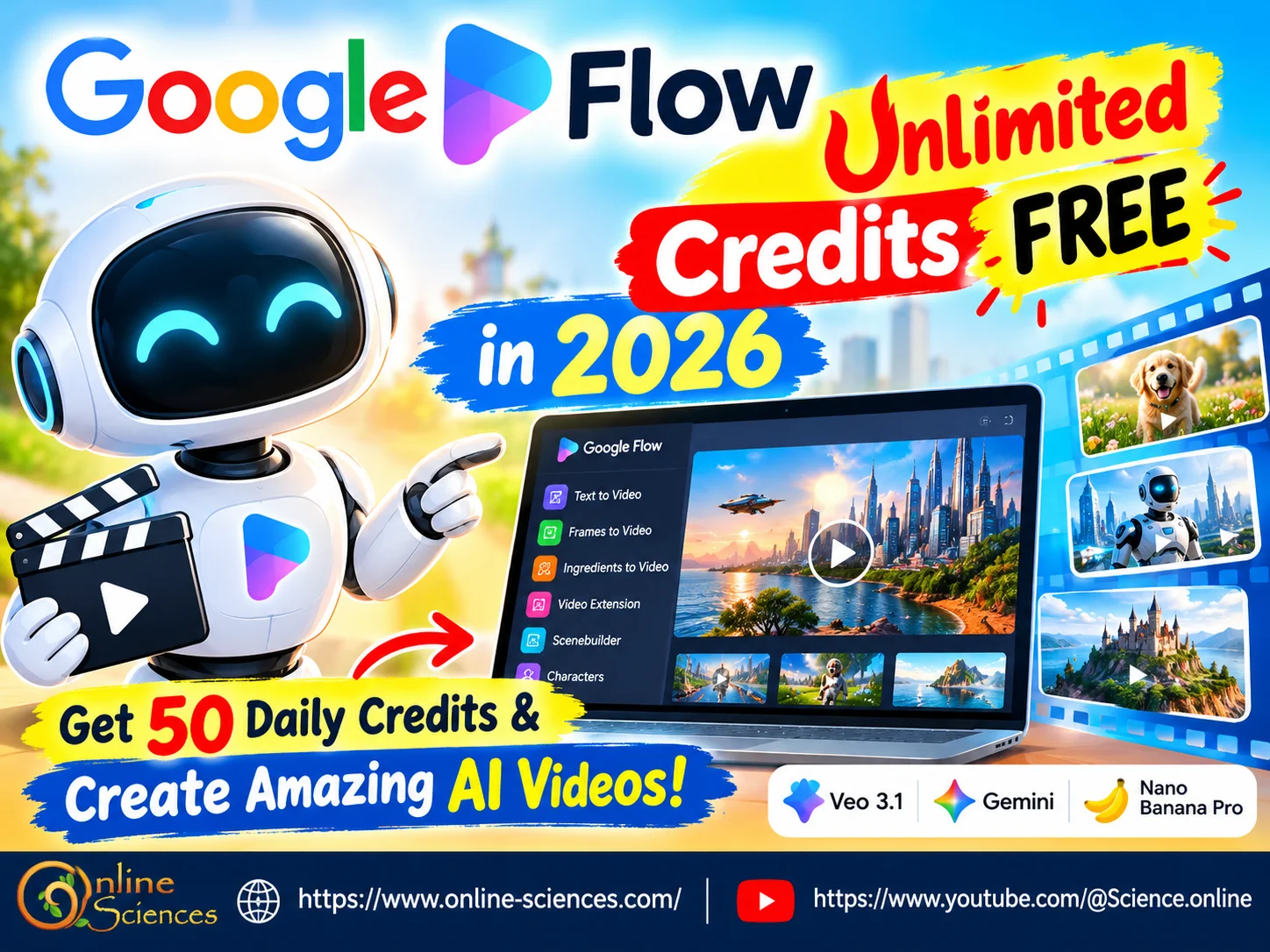
Google Flow Unlimited Credits FREE in 2026
What is Google Flow?
Google Flow is Google’s AI creative studio designed to help users turn ideas into cinematic videos, scenes, images, and stories. Rather than requiring traditional video-editing skills, Flow allows creators to describe what they want using natural language. You can generate visual scenes, experiment with characters, extend videos, edit generated footage, and build a larger story from individual clips.
Google describes Flow as an AI filmmaking tool built around its generative models. The platform currently includes Veo 3.1, Gemini Omni, Nano Banana Pro, and creative tools for different stages of the workflow.
This makes Google Flow particularly interesting for YouTube creators, social-media publishers, filmmakers, educators, marketers, and anyone who wants to experiment with AI-generated video.
Is Google Flow Really FREE in 2026?
Yes, Google currently lists a free Google Flow option that provides 50 daily Google Flow credits without a Google AI subscription. But free access differs from unlimited access.
Google Flow’s free access gives you a new daily allowance, not unlimited generations. Your unused daily credits also do not roll over to the next day. Google says the daily refresh is triggered by your first generation and provides another 50 credits on the following cycle.
So, a more accurate description is: Google Flow = FREE daily credits, not unlimited credits.
That distinction is important if you see videos or websites claiming that Google Flow provides unlimited free AI video generation.
How Many Free Credits Do You Get?
According to Google’s current Flow documentation, users without a subscription receive 50 Google Flow credits per day.
Paid Google AI plans provide additional monthly credits:
- Google AI Plus: 50 daily credits + 200 monthly credits.
- Google AI Pro: 50 daily credits + 1,000 monthly credits.
- Google AI Ultra: 50 daily credits + 10,000 monthly credits.
- Higher-priced Ultra plans can provide 25,000 monthly credits.
This means free users can test Flow without paying, while heavier creators can receive substantially larger allowances through paid plans.
How Many Credits Does an AI Video Cost?
One of the biggest secrets to getting more videos from your free allowance is understanding the credit cost of each model.
Google’s current credit table lists different prices depending on the model and generation type. For example, Veo 3.1 Lite costs 10 credits per generation for non-Ultra users, while Veo 3.1 Fast costs 20 credits. Veo 3.1 Quality costs 100 credits per generation. That means 50 daily credits could theoretically provide approximately:
- 5 Veo 3.1 Lite generations at 10 credits each.
- 2 Veo 3.1 Fast generations at 20 credits each.
The actual number of clips you can create depends on the model, duration, features, and how Flow handles individual requests. Google also warns that credit costs can change, so creators should check the current cost displayed inside Flow before generating.
How to Create AI Videos in Google Flow for FREE
Getting started is relatively simple.
Step 1: Open Google Flow
Go to Google Flow and sign in with your Google Account. Google currently offers a free option directly through Flow, although availability and features can vary by country, account type, platform, and subscription.
Step 2: Choose Your Video Workflow
Flow supports several creative approaches, including:
- Text-to-video.
- Frames-to-video.
- Ingredients-to-video.
- Video extension.
- Video-to-video editing.
- Scenebuilder.
- Character-based workflows.
Google’s current Flow page lists these capabilities among the features available to free users.
Step 3: Write a Detailed Prompt
Instead of typing something extremely short such as: “A robot walking.” Try describing the subject, environment, camera movement, lighting, mood, and action.
For example: “A futuristic humanoid robot walking through a bright modern city at sunset, cinematic lighting, realistic reflections, slow camera tracking shot, detailed environment, natural movement, high-end science-fiction movie style.”
Detailed prompts can give you much more control over the intended scene.
Step 4: Select Your Model
Depending on your account and current availability, you may have different models and generation options. If you’re trying to stretch your free credits, check the credit cost before generating. Choosing a lower-cost model for experimentation can help you reserve your allowance for important scenes.
Step 5: Generate and Refine
After creating your clip, examine the result before spending additional credits. If the scene is close to what you want, use Flow’s editing and creative capabilities rather than immediately starting over. Google has also introduced more control over start and end frames, allowing creators to improve transitions and maintain greater consistency between scenes.
How to Get More AI Videos From Your Free Credits
If you want to maximize your Google Flow free credits, don’t waste them on dozens of random prompts.
A smarter workflow is: Plan → Generate → Review → Refine → Extend.
First, write your complete idea. Then generate a test clip. If the composition works, build on that result. You can also use lower-cost generation options for testing before spending more credits on higher-quality output. Google recently highlighted lower-resolution drafting as a way to test concepts more efficiently before creating higher-quality versions.
Another important strategy is to create a storyboard before generating your final video. Instead of asking Flow to make a long, complicated sequence immediately, divide your project into individual scenes.
For example:
- Establishing shot.
- Character introduction.
- Main action.
- Close-up.
- Final cinematic shot.
This approach can give you greater creative control and make it easier to replace one unsuccessful scene without recreating the entire project.
Google Flow and Veo 3.1
One of Flow’s biggest attractions is its integration with Veo 3.1, Google’s advanced video-generation model. Google says Veo provides expanded creative controls, native audio, and high-quality video generation. Flow combines Veo with other Google generative models and editing tools so creators can work on the entire visual concept rather than simply generating isolated clips.
Google has also continued improving Flow throughout 2026. A recent update introduced additional creative controls, including start and end frames, 1080p and 4K export capabilities for eligible users, and lower-resolution drafting workflows.
Can You Get Unlimited Google Flow Credits for FREE?
This is where many online tutorials can become confusing. There is currently no official indication that the free Google Flow plan provides unlimited credits. Google’s own documentation says free users receive 50 credits per day.
Therefore, if you see a tutorial promising a secret method that permanently unlocks unlimited Flow credits for free, be careful. It may be referring to temporary promotions, an account-specific offer, an outdated system, or an unofficial workaround. The safest approach is to use Google’s official free allowance and check your credit balance directly inside Flow.
Google Flow vs. Paid Plans
The free version is useful for experimentation, while paid plans provide additional monthly credits and other benefits. For example, Google AI Pro currently includes 50 daily Flow credits plus 1,000 monthly Flow credits, while Google AI Ultra provides 50 daily credits plus 10,000 monthly credits on the listed plan.
Paid plans may also unlock higher-resolution upscaling, higher generation limits, greater Agent access, and other Google AI benefits. However, subscription details and credit costs can change, so always check Google’s current pricing and Flow interface before purchasing a plan.
Google Flow for YouTube Creators
Google Flow can be particularly useful for YouTube creators who need original visual material. You could use it to create:
- AI-generated intros.
- Science-fiction scenes.
- Robot demonstrations.
- Educational animations.
- Concept videos.
- Short films.
- Background footage.
- Storytelling sequences.
- Social-media clips.
- Product concept videos.
For a science and technology website or YouTube channel, Flow could also help transform an article idea into a short cinematic visual sequence. The biggest advantage is not simply generating a video—it is being able to experiment with storytelling, characters, scenes, camera movement, and visual continuity in one creative environment.
Important Google Flow Limitations
Google Flow isn’t available everywhere, and feature availability can vary by region. Google states that users must meet eligibility requirements, including being 18 or older and being in a supported region. Google also notes that certain features can vary depending on location.
Google recommends using a desktop computer with a Chromium-based browser such as Chrome or Edge for the best experience. There are also content restrictions. For example, Google states that Flow does not support generating videos of prominent people, with some additional feature restrictions varying by region.
Is Google Flow Worth Trying for FREE?
Google Flow is an exciting option for anyone interested in AI video creation in 2026. The important point is that Google Flow is free to try, but the free version is not unlimited. The current free allowance of 50 Google Flow credits per day gives creators an opportunity to experiment without immediately paying for a subscription.
With Veo 3.1, Gemini Omni, image-generation tools, video editing, extensions, characters, and Scenebuilder, Flow offers much more than a basic text-to-video generator. If you plan your prompts carefully and use your credits strategically, you can create impressive AI video experiments while staying within the free daily allowance.
Frequently Asked Questions about Google Flow
Is Google Flow free in 2026?
Yes. Google currently offers Google Flow free of charge with 50 Google Flow credits per day for users without a Google AI subscription.
Is Google Flow Unlimited Credits FREE?
No. The free version provides 50 credits per day, rather than unlimited credits. Unused daily credits do not roll over.
How many free Flow credits do I get every day?
Free users currently receive 50 Google Flow credits per day.
Can I create AI videos with Google Flow for free?
Yes. Google’s free Flow offering includes video-generation capabilities such as text-to-video, Frames to Video, Ingredients to Video, video extension, and other creative features.
Does Google Flow use Veo 3.1?
Yes. Google Flow currently integrates Veo 3.1 alongside other Google generative models.
How many Veo videos can I make with 50 credits?
It depends on the model and generation type. Google’s current pricing lists Veo 3.1 Lite at 10 credits per generation and Veo 3.1 Fast at 20 credits for non-Ultra users, although costs may change.
Do Google Flow credits roll over?
No. Unused daily free Flow credits do not roll over to the next daily allowance.
Can I use Google Flow unlimited free on a computer?
Yes. Google recommends a desktop computer with a Chromium-based browser such as Google Chrome or Microsoft Edge for the best experience.
Is Google Flow available in every country?
No. Google Flow is available only in supported regions, and some features vary by country.
Can Google Flow make cinematic AI videos?
Yes. Google describes Flow as an AI filmmaking tool designed to create cinematic clips, scenes, and stories using Google’s generative models.
Can I use Google Flow for YouTube videos?
Yes. Flow can be used to create original visual clips, scenes, backgrounds, storytelling sequences, and other material that can be incorporated into video projects, subject to Google’s applicable policies and terms.
What is the best way to save Google Flow AI unlimited credits?
Plan your scenes before generating, test ideas with lower-cost options where appropriate, and refine successful generations instead of repeatedly starting from scratch.
You can follow Science Online on YouTube at this link: Science Online
🔥 Google Flow Unlimited Credits FREE: Create AI Videos Easily in 2026 🚀
🔥 Is ChatGPT destroying Sophia.org and Study.com? 🚀
Gemini Takes Over: The End of Google Assistant in 2026! 🚀
Goodbye Google Assistant: Can Your Android Phone Actually Run Gemini? 🚀
Google Veo 3 AI Video Generator: How to Create INSANE Videos in Gemini AI Ultra! 🚀
Goodbye Google Assistant? 10 Powerful Reasons Gemini AI Is the Future in 2026
Will Gemini AI Replace Google Assistant? The Ultimate Guide to Google’s Powerful AI Upgrade 2026
Google Assistant Review 2026: Features, Pros, Cons and What It Can Do
Claude AI advantages, disadvantages, features and Is Claude better than GPT 4?
Claude Sonnet 4.5 features, advantages, disadvantages, Is Claude Sonnet 4 better than GPT 4?
Gemini AI review, advantages, disadvantages and Is Gemini AI better than ChatGPT?
ChatGPT review, features, advantages and disadvantages
Google Bard AI chatbot advantages, disadvantages, review, features and Bard vs ChatGPT