Google Gemini App 2026 Walkthrough: It’s a Lot More Powerful Now, What Can It Really Do?
Google Gemini App Walkthrough shows why Google’s AI assistant is becoming much more than a simple chatbot. With powerful tools for research, writing, image generation, file creation, learning, voice conversations, Canvas, Gems, and personalized assistance, Gemini is evolving into a complete AI productivity platform.
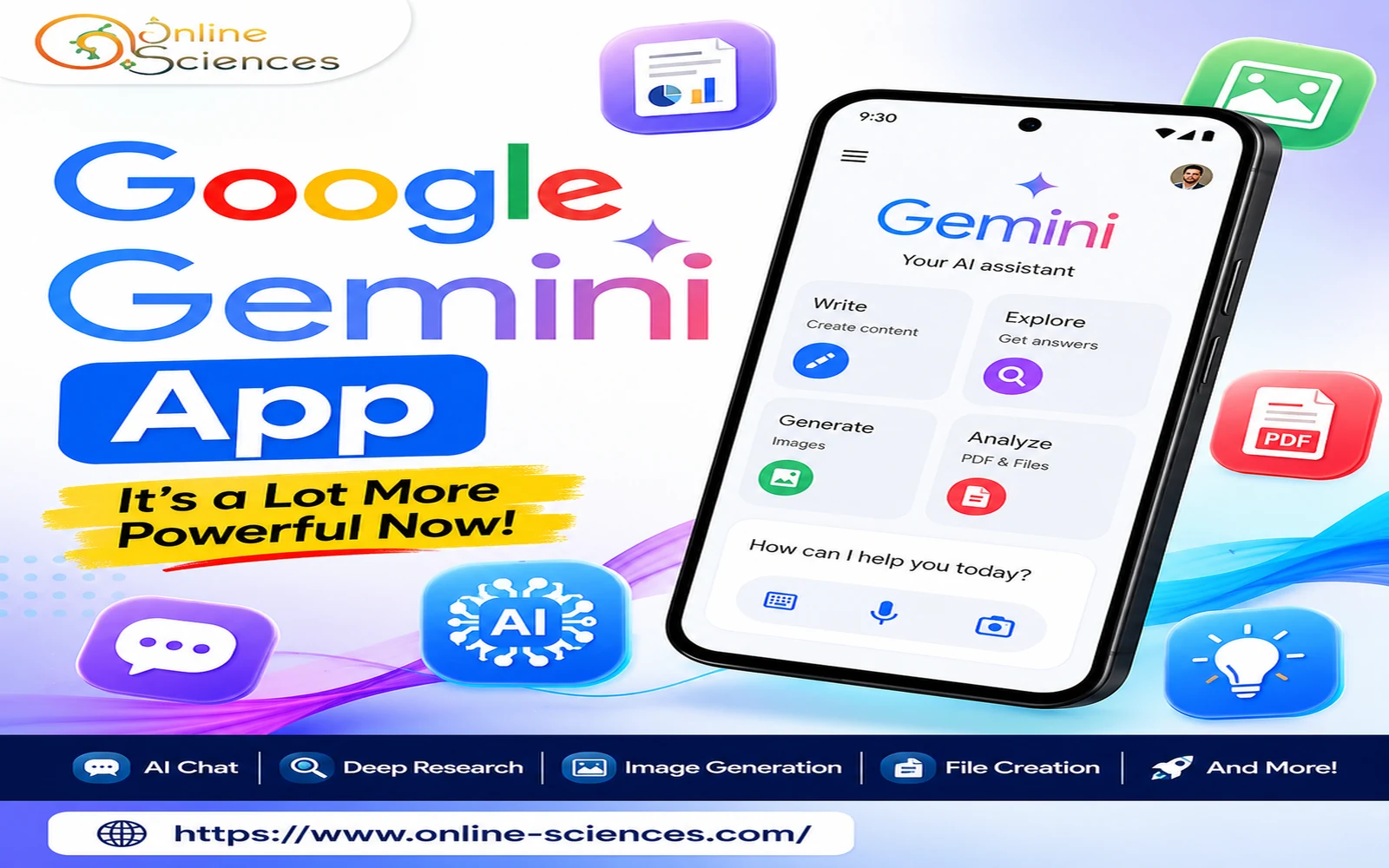
Google Gemini App 2026 Walkthrough
Google Gemini App
Google Gemini App Walkthrough reveals how much Google’s AI assistant has evolved. What started primarily as a conversational AI tool has developed into a much broader assistant for writing, research, image generation, coding, learning, productivity, and everyday tasks. In 2026, Google has continued adding features that make Gemini more useful, more personalized, and increasingly capable of helping users complete tasks rather than simply answering questions.
Google Gemini App Walkthrough: What Can Gemini Do Now?
The Google Gemini app is designed to let users interact with Google’s AI through text, voice, images, files, and other forms of information. Instead of treating Gemini as only a chatbot, Google is increasingly positioning it as an AI assistant that can understand your request and help you move from an idea to an actual result.
Google’s current Gemini ecosystem includes tools for generating and editing images, creating videos and music, conducting research, building documents and applications, creating quizzes, using Gems, and connecting Gemini with other Google services. This makes the latest Gemini experience considerably more powerful than the early versions of the app.
How to Get Started With the Gemini App
Getting started is relatively simple. Open the Gemini app on a compatible device or use Gemini through the web, then sign in with your Google Account.
Once you enter the main Gemini interface, you can type a question or request into the prompt box. Depending on your device, account, plan, and region, you may also have options for voice conversations, file uploads, image-related tasks, research, and other tools.
The available features can vary because Google provides different capabilities and usage limits depending on the account and subscription level. Some advanced features require Google AI subscription plans.
The Gemini App Is More Than a Chatbot
One of the biggest changes in Gemini is the move from simple question-and-answer conversations toward a more comprehensive AI assistant. You can ask Gemini to explain a complicated scientific concept, rewrite an article, brainstorm video ideas, analyze information, summarize a document, help with programming, or create study materials.
For example, instead of asking: “What is artificial intelligence?”
you could ask: “Explain artificial intelligence to a 12-year-old, give me five real-world examples, and create a short quiz at the end.”
This type of multi-step request demonstrates where modern AI assistants are heading: understanding the desired outcome rather than simply responding to one isolated question.
Gemini for Writing and Content Creation
Gemini can be particularly useful for writers, students, bloggers, marketers, and content creators.
You can use it to:
- Generate article ideas.
- Write introductions and conclusions.
- Rewrite paragraphs.
- Improve grammar.
- Create outlines.
- Summarize long information.
- Brainstorm headlines.
- Create social media content.
- Develop scripts.
- Explain technical subjects.
- Create study guides.
The Canvas feature takes this further by allowing users to collaborate with Gemini on documents, code, apps, and other creations. Google says Canvas can also transform creations into formats such as Audio Overviews, quizzes, and other outputs. This can make Gemini particularly interesting for people who want to create something rather than simply receive an answer.
Gemini Deep Research
One of the most useful features for serious research is Deep Research. Instead of asking Gemini a question and receiving a short response, Deep Research can conduct more extensive, real-time research. Google explains that Gemini can use Google Search as a research source and can also incorporate other sources, including Gmail or Drive in supported situations, as well as uploaded files and NotebookLM notebooks.
This makes Deep Research useful for:
- Academic research.
- Product research.
- Market research.
- Technology comparisons.
- Preparing reports.
- Investigating complex subjects.
- Collecting information from multiple sources.
However, AI-generated research should still be checked against reliable sources before being used in professional, academic, medical, or financial content.
Gemini Can Generate Images and Other Media
Another major development is Gemini‘s growing multimedia capability. Google has expanded Gemini‘s ability to generate and edit images. In 2026, Google also introduced more personalized image generation, allowing Gemini to use information such as user interests and connected Google Photos in supported experiences.
This means a user can move beyond a simple text conversation and ask Gemini to create or modify visual content. The Gemini ecosystem also includes tools for generating videos and music, although availability and usage limits can vary by feature, account, and subscription.
Create Files Directly With Gemini
One of the most practical improvements is Gemini‘s ability to create files directly from a conversation. Google announced that Gemini can generate files such as PDFs, Microsoft Word and Excel files, Google Docs, Sheets, and Slides from prompts.
For example, you could ask: “Create a five-page report about renewable energy with headings, a comparison table, and a conclusion.”
Instead of stopping at a text response, Gemini can help turn the request into a usable document. This is particularly useful for students, teachers, office workers, researchers, and content creators.
Gemini for Students
Students can use Gemini as a learning assistant rather than simply an answer generator. The app can explain difficult topics step by step, create practice questions, generate flashcards, and help prepare study materials. Google’s Gemini help documentation specifically lists quizzes, flashcards, practice tests, and study guides as supported educational uses.
A useful prompt might be: “Teach me Newton’s laws of motion step by step, then give me 10 multiple-choice questions without showing the answers until I finish.” This approach can turn Gemini into an interactive study partner.
Gemini Gems
Another powerful feature is Gems. Gems allow users to create customized Gemini experiences for particular tasks. Instead of repeatedly giving Gemini the same instructions, you can create a specialized assistant with instructions tailored to your needs.
For example, you could create a Gem designed to act as:
- An English writing assistant.
- A coding tutor.
- A science teacher.
- An SEO assistant.
- A study coach.
- A brainstorming partner.
Google’s Gemini help resources include options for creating, using, and sharing Gems, although availability can vary.
Gemini and Connected Google Apps
Gemini‘s integration with Google’s ecosystem is another reason the app has become more useful. Google has been expanding connections between Gemini and services such as Google Workspace and other Google applications. In supported configurations, users can use Gemini to work with information from connected services and personalize their experience.
This can make the assistant more useful because it can potentially work with information that is relevant to your own projects instead of providing completely generic answers. However, users should carefully review privacy and account settings before connecting personal information or services.
Gemini is Becoming More Agentic
Perhaps the most important direction for Gemini in 2026 is Google’s move toward a more agentic AI assistant. Google announced an evolution of the Gemini app toward more proactive assistance, including features such as proactive daily briefs and Gemini Spark, designed to help users manage tasks and workflows.
This represents an important shift. Traditional chatbots wait for you to ask a question. More agentic systems are designed to help organize tasks, use tools, and perform multiple steps toward a goal.
The long-term vision is therefore not simply: Ask → Answer
but increasingly: Goal → Plan → Tools → Actions → Result
That could make AI assistants much more useful for everyday productivity.
Gemini Live
For users who prefer speaking instead of typing, Gemini Live provides a more conversational experience. You can interact with Gemini through voice and, in supported experiences, use video and screen sharing. Google’s current privacy documentation specifically addresses Gemini Live audio, video, and screen-sharing data and provides controls for how this activity is handled.
This makes Gemini Live useful when typing is inconvenient. For example, you could discuss an idea while walking, ask Gemini to help troubleshoot something you’re looking at, or use a conversational interaction to brainstorm a project.
Is Google Gemini Better Than Before?
Yes, the Gemini experience has expanded significantly. The biggest improvement isn’t necessarily one individual feature. Instead, it is the combination of:
conversation + research + multimodal input + content creation + connected services + personalization + productivity tools.
Google’s continuing Gemini updates show that the company is trying to transform Gemini from a standalone chatbot into a broader AI platform.
Google Gemini App Advantages
- Easy integration with Google’s ecosystem.
- Supports text, images, voice, and files.
- Useful for research and learning.
- Deep Research can perform more extensive research.
- Canvas supports document, code, and app creation.
- Can generate different types of content.
- Supports personalized experiences.
- Gems allow customized AI assistants.
- Increasingly capable of handling multi-step tasks.
Google Gemini App Disadvantages
- Some advanced features require paid plans.
- Feature availability can vary by country and account.
- Usage limits may apply.
- AI responses can contain errors.
- Privacy settings should be reviewed carefully.
- Not every feature is available on every device.
Google itself notes that Gemini can make mistakes, so important information should always be verified.
Google Gemini App Walkthrough: Final Verdict
The Google Gemini app has become much more than a basic AI chatbot. Its combination of research, writing, image generation, file creation, learning tools, personalization, voice interaction, Canvas, Gems, and increasingly agentic capabilities makes it one of the most ambitious AI assistants available.
The biggest reason Gemini feels more powerful now is that it can help users move through an entire workflow. You can start with an idea, research it, develop the content, create supporting material, and turn the result into a usable file—all within an increasingly integrated AI environment.
For students, creators, researchers, professionals, and everyday users, Gemini is worth exploring because Google’s AI strategy is clearly moving toward assistants that don’t simply answer questions but help users accomplish complete tasks.
FAQ: Google Gemini App
What is the Google Gemini app?
Google Gemini is Google’s AI assistant that can help with questions, writing, research, learning, image generation, coding, file analysis, and other tasks.
Is Google Gemini free?
Gemini has free access options, but some advanced capabilities and higher usage limits are available through Google AI subscription plans.
Can Gemini generate images?
Yes. Gemini supports image generation and editing, although the exact capabilities and limits depend on the available model, account, and region.
What is Gemini Deep Research?
Deep Research is a Gemini feature designed to perform more extensive, real-time research using sources such as Google Search and, in supported cases, additional connected or uploaded sources.
What is Gemini Canvas?
Canvas is a workspace where users can collaborate with Gemini to create or edit documents, code, apps, and other content.
What are Gemini Gems?
Gems are customized Gemini experiences that can be configured for particular tasks or workflows.
Can Gemini create Word and PDF files?
Google has introduced the ability for Gemini to create files including PDFs, Microsoft Word and Excel files, and Google Docs, Sheets, and Slides directly from conversations.
Can Gemini help students study?
Yes. Gemini can create quizzes, flashcards, practice tests, and study guides, making it useful as an interactive learning assistant.
Is Gemini always accurate?
No. Like other generative AI systems, Gemini can make mistakes. Check important information against trustworthy sources.
Is Google Gemini better than Google Assistant?
Gemini is designed as a more capable generative AI assistant, with broader abilities in reasoning, content creation, research, and multimodal interaction. The exact experience and available assistant functions depend on the device, account, and region.
You can follow Science Online on YouTube from this link: Science Online
Gemini Takes Over: The End of Google Assistant in 2026! 🚀
Goodbye Google Assistant: Can Your Android Phone Actually Run Gemini? 🚀
Goodbye Google Assistant? 10 Powerful Reasons Gemini AI Is the Future in 2026
Will Gemini AI Replace Google Assistant? The Ultimate Guide to Google’s Powerful AI Upgrade 2026
Google Assistant Review 2026: Features, Pros, Cons and What It Can Do
Claude AI advantages, disadvantages, features and Is Claude better than GPT 4?
Claude Sonnet 4.5 features, advantages, disadvantages, Is Claude Sonnet 4 better than GPT 4?
Gemini AI review, advantages, disadvantages and Is Gemini AI better than ChatGPT?
ChatGPT review, features, advantages and disadvantages
Google Bard AI chatbot advantages, disadvantages, review, features and Bard vs ChatGPT