Apple iCloud Drive Guide 2026: Features, Storage Plans, Security, Pros & Comparison
Apple iCloud Drive is one of the most reliable cloud storage services for Apple users, allowing you to securely store, synchronize, and access your files across iPhone, iPad, Mac, Windows PCs, and the web. Whether you want to back up important documents, share files with colleagues, or keep your photos and folders synchronized automatically, Apple iCloud Drive provides a seamless experience with powerful privacy features and deep integration into the Apple ecosystem.
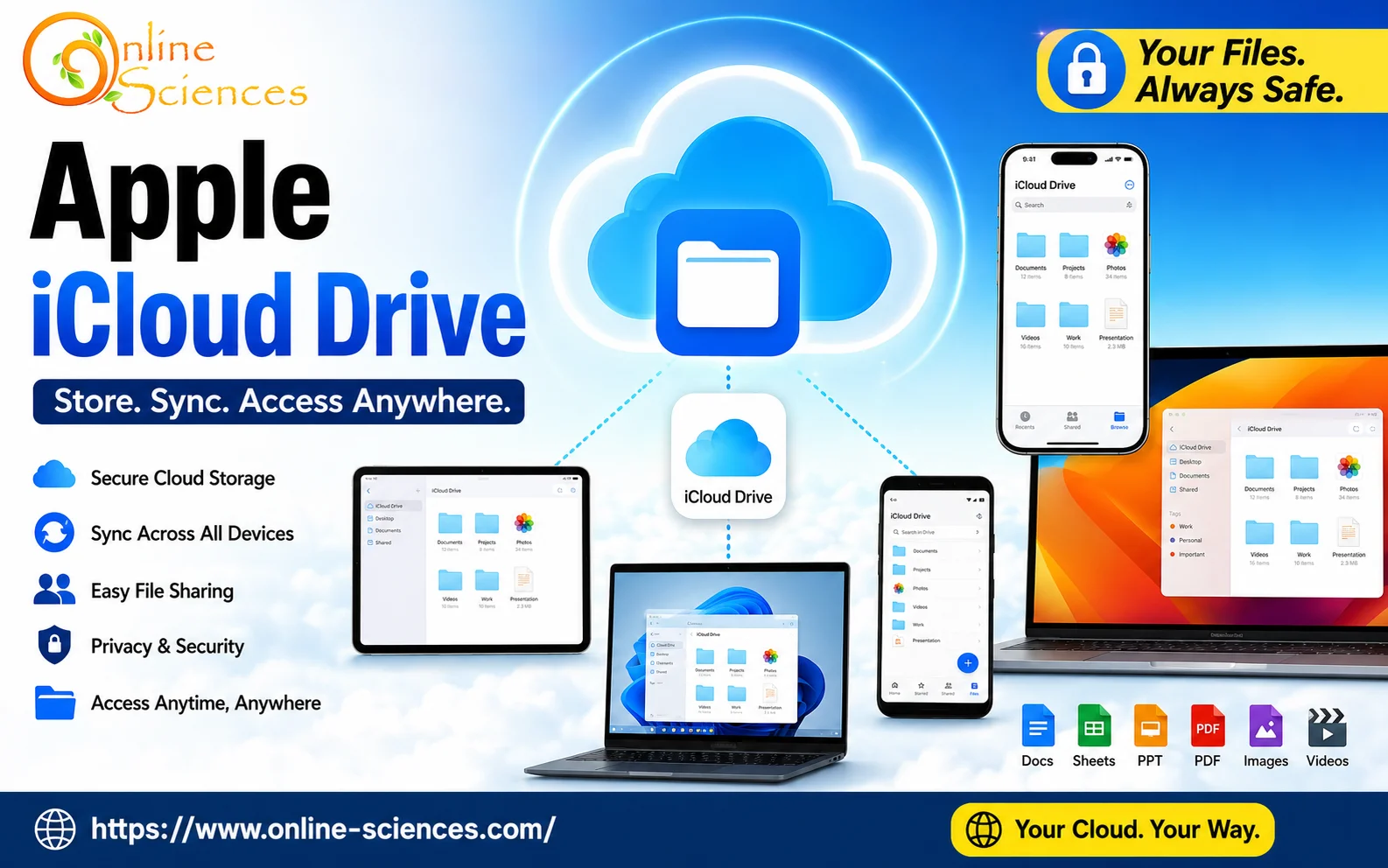
Apple iCloud Drive
Apple iCloud Drive
Apple iCloud Drive is Apple‘s cloud-based file storage service that enables users to save documents, photos, videos, presentations, PDFs, spreadsheets, and other files online. Your files are automatically synchronized across all your Apple devices using the same Apple Account.
Unlike traditional storage devices, iCloud Drive stores your files securely in Apple‘s cloud infrastructure, allowing access anytime from nearly anywhere with an internet connection. It is built directly into iOS, iPadOS, macOS, Windows, and the web, making file management simple without installing additional software on Apple devices.
How Apple iCloud Drive Works
When you save a file to iCloud Drive:
- The file uploads securely to Apple’s servers.
- It automatically appears on all devices using your Apple Account.
- Any changes made on one device instantly sync across others.
- Deleted files remain recoverable for a limited period.
- Previous versions of documents may be available depending on the application.
The synchronization happens quietly in the background, requiring little user intervention.
Apple iCloud Drive Features
Automatic File Synchronization
Your documents remain updated across every connected device.
Cross-Platform Access
Available on:
- iPhone.
- iPad.
- Mac.
- Windows PC.
- Web browser.
File Sharing
Share files or folders through links with customizable permissions.
Users can:
- View only.
- Edit collaboratively.
- Invite specific people.
- Control access.
Folder Organization
Organize files using:
- Folders.
- Subfolders.
- Tags.
- Favorites.
- Recent files.
Desktop & Documents Sync
On macOS, the Desktop and Documents folders can automatically synchronize with iCloud Drive, protecting important files.
File Recovery
Recover recently deleted files within the recovery period.
End-to-End Encryption
Many types of iCloud data are protected using Advanced Data Protection, offering strong privacy for supported content.
Offline Access
Files downloaded locally remain accessible without the internet. Changes synchronize once you’re online again.
Apple iCloud Drive Storage Plans
Apple offers:
- Free: 5 GB.
- Basic: 50 GB.
- Standard: 200 GB.
- Premium: 2 TB.
- Higher tiers: 6 TB and 12 TB (in supported regions).
Paid plans are useful for users storing:
- Photos.
- Videos.
- Device backups.
- Large documents.
- Creative projects.
Advantages of Apple iCloud Drive
- Excellent Apple ecosystem integration.
- Automatic synchronization.
- Easy file sharing.
- Strong privacy.
- Secure cloud infrastructure.
- Cross-device access.
- Simple interface.
- Supports collaboration.
- Reliable backups.
- Offline editing.
Disadvantages of Apple iCloud Drive
- Free storage is limited to 5 GB.
- The best experience requires Apple devices.
- Windows integration is not as seamless as macOS.
- Large uploads depend on internet speed.
- Some advanced collaboration tools lag behind competitors.
Apple iCloud Drive Security
Security includes:
- Encryption during transfer.
- Encryption on Apple’s servers.
- Two-factor authentication.
- Advanced Data Protection.
- Secure Apple Account authentication.
- Device verification.
These measures help protect sensitive personal and business files.
Apple iCloud Drive for Students
Students can use iCloud Drive for:
- Lecture notes.
- Research papers.
- PDFs.
- Assignments.
- Presentations.
- Laboratory reports.
- Collaborative projects.
Apple iCloud Drive for Business
Businesses benefit from:
- Shared folders.
- Document collaboration.
- Secure cloud storage.
- Team file management.
- Cross-device productivity.
- Apple ecosystem integration.
Apple iCloud Drive for Creative Professionals
Suitable for:
- Graphic designers.
- Photographers.
- Video editors.
- Musicians.
- Writers.
- Engineers.
It supports large project files while keeping work synchronized.
Apple iCloud Drive Performance
Performance depends primarily on:
- Internet speed.
- File size.
- Device performance.
- Network quality.
Synchronization is generally fast, especially within Apple’s ecosystem.
Apple iCloud Drive Privacy
Apple emphasizes privacy by:
- Minimizing data collection.
- Encrypting stored information.
- Providing strong account protection.
- Offering Advanced Data Protection for enhanced encryption of supported data.
Apple iCloud Drive System Requirements
Supported platforms include:
- iOS.
- iPadOS.
- macOS.
- Windows.
- Modern web browsers.
Who Should use Apple iCloud Drive?
Apple iCloud Drive is ideal for:
- Apple users.
- Students.
- Professionals.
- Remote workers.
- Families.
- Businesses.
- Content creators.
- Researchers.
Apple iCloud Drive Specifications
- Developer: Apple Inc.
- Platform: Cloud Storage.
- Operating Systems: iOS, iPadOS, macOS, Windows, Web.
- Free Storage: 5 GB.
- Paid Plans: 50 GB, 200 GB, 2 TB, 6 TB, 12 TB.
- File Synchronization: Yes.
- Folder Sharing: Yes.
- Offline Access: Yes.
- File Recovery: Yes.
- Encryption: Yes.
- Collaboration: Yes.
Why Choose Apple iCloud Drive?
Apple iCloud Drive stands out because it offers one of the smoothest cloud storage experiences for users invested in the Apple ecosystem. Its automatic synchronization, strong privacy protections, seamless integration with Apple devices, and dependable performance make it an excellent solution for personal and professional file management. While competitors may offer more free storage or broader cross-platform collaboration, iCloud Drive excels in simplicity, security, and convenience for Apple users.
Frequently Asked Questions (FAQ) about Apple iCloud Drive
1. Is Apple iCloud Drive free?
Yes. Apple provides 5 GB of free iCloud storage with every Apple Account.
2. Can Windows users use iCloud Drive?
Yes. Apple offers an iCloud app for Windows, and users can also access files through a web browser.
3. Is Apple iCloud Drive secure?
Yes. It uses encryption, two-factor authentication, and additional protections such as Advanced Data Protection for supported data.
4. Does iCloud Drive work offline?
Yes. Downloaded files remain accessible offline and sync changes once you reconnect to the internet.
5. Can I share folders?
Yes. You can share folders with individuals or groups and manage permissions for viewing or editing.
6. Does iCloud Drive automatically back up files?
Files saved in iCloud Drive sync automatically across your devices. Device backups are managed separately through iCloud Backup.
7. How much storage do I need?
- 5 GB: Basic documents.
- 50 GB: Individual users.
- 200 GB: Families and moderate storage needs.
- 2 TB+: Professionals and users with extensive photo, video, or project libraries.
8. Is iCloud Drive better than Google Drive?
If you primarily use Apple devices, iCloud Drive offers tighter integration and a more seamless experience. Google Drive, however, provides more free storage and excels in cross-platform collaboration.
Apple iCloud Drive vs Google Drive
Apple iCloud Drive is designed to work seamlessly with iPhone, iPad, and Mac devices, making it the ideal choice for users invested in the Apple ecosystem. It automatically synchronizes files across Apple devices and integrates deeply with apps such as Files, Finder, and iCloud Photos.
Google Drive, on the other hand, offers 15 GB of free storage—three times more than iCloud Drive—and excels in real-time collaboration through Google Docs, Sheets, and Slides. It is also available on virtually every platform, including Android, Windows, macOS, Linux (via web), and web browsers, making it better suited for users who frequently collaborate online or use multiple operating systems.
Apple iCloud Drive vs Microsoft OneDrive
Microsoft OneDrive is the preferred option for Windows users and businesses that rely on Microsoft 365. It integrates directly with Word, Excel, PowerPoint, Outlook, and Teams, enabling seamless document editing and collaboration.
Apple iCloud Drive focuses on simplicity and effortless synchronization across Apple devices. While it supports Windows through the iCloud app, the experience is not as deeply integrated as OneDrive on Windows. Apple users will appreciate iCloud Drive‘s native performance, while professionals working extensively with Microsoft Office may find OneDrive more productive.
Apple iCloud Drive vs Dropbox
Dropbox is known for its reliable file synchronization, extensive third-party app integrations, and excellent compatibility across operating systems. It has long been a favorite among businesses and professionals who need dependable cross-platform file sharing.
Apple iCloud Drive provides a more streamlined experience for Apple users by integrating directly into macOS and iOS. Dropbox offers stronger collaboration features for mixed-device environments, whereas iCloud Drive delivers greater convenience for users who primarily use Apple hardware.
Which Cloud Storage Service Should You Choose?
The best cloud storage service depends on your devices and workflow. Apple iCloud Drive is the top choice for users who own multiple Apple devices and value seamless synchronization, privacy, and simplicity. Google Drive is ideal for collaboration and users who need generous free storage. Microsoft OneDrive is best for professionals and organizations that rely on Microsoft 365 and Windows. Dropbox remains an excellent option for businesses and users who prioritize fast file syncing and broad cross-platform compatibility.
For Apple users, iCloud Drive offers the smoothest and most integrated experience, while users working across different ecosystems may benefit more from Google Drive, OneDrive, or Dropbox, depending on their specific productivity needs.
You can follow science online on YouTube from this link: Science online
Gemini Takes Over: The End of Google Assistant in 2026! 🚀
Goodbye Google Assistant: Can Your Android Phone Actually Run Gemini? 🚀
Goodbye Google Assistant? 10 Powerful Reasons Gemini AI Is the Future in 2026
Will Gemini AI Replace Google Assistant? The Ultimate Guide to Google’s Powerful AI Upgrade 2026
Google Assistant Review 2026: Features, Pros, Cons and What It Can Do
Claude AI advantages, disadvantages, features and Is Claude better than GPT 4?
Claude Sonnet 4.5 features, advantages, disadvantages, Is Claude Sonnet 4 better than GPT 4?
Gemini AI review, advantages, disadvantages and Is Gemini AI better than ChatGPT?
ChatGPT review, features, advantages and disadvantages
Google Bard AI chatbot advantages, disadvantages, review, features and Bard vs ChatGPT